

10 Technographic Data Provider Picks for 2026
Compare 10 technographic data provider options for coverage, freshness, signals, pricing, integrations, and buyer fit across GTM teams.
The right technographic data provider depends on the buying job, not the size of its database. A crawler that detects a website's CMS can't answer the same question as an enterprise platform modeling install depth and renewal timing. A CRM enrichment service, an anonymous visitor identification tool, and a live account-monitoring platform may all use technology signals, but they turn those signals into very different actions.
That distinction matters when you're defining your ICP. This comparison evaluates web-stack coverage, enterprise install intelligence, account activation, visitor identification, and live buying-signal monitoring, alongside freshness, source methods, CRM and API access, pricing structure, implementation effort, and fit for startups, scaleups, and local agencies.
CapyScout belongs in the comparison because it combines tech-stack enrichment with source-backed, live-web account intelligence. It isn't a replacement for every specialist technographic database. Its strength is connecting technology changes with hiring, funding, leadership, reviews, signup context, website intent, and other reasons to contact an account now.
Table of Contents
- 1. CapyScout
- 2. BuiltWith
- 3. Wappalyzer
- 4. HG Insights
- 5. Demandbase
- 6. 6sense Sales Intelligence
- 7. ZoomInfo
- 8. Datanyze
- 9. Clearbit Reveal and Enrichment
- 10. Foundry by KickFire
- Top 10 Technographic Data Providers Comparison
- Choose the Signal You Can Operationalize
1. CapyScout
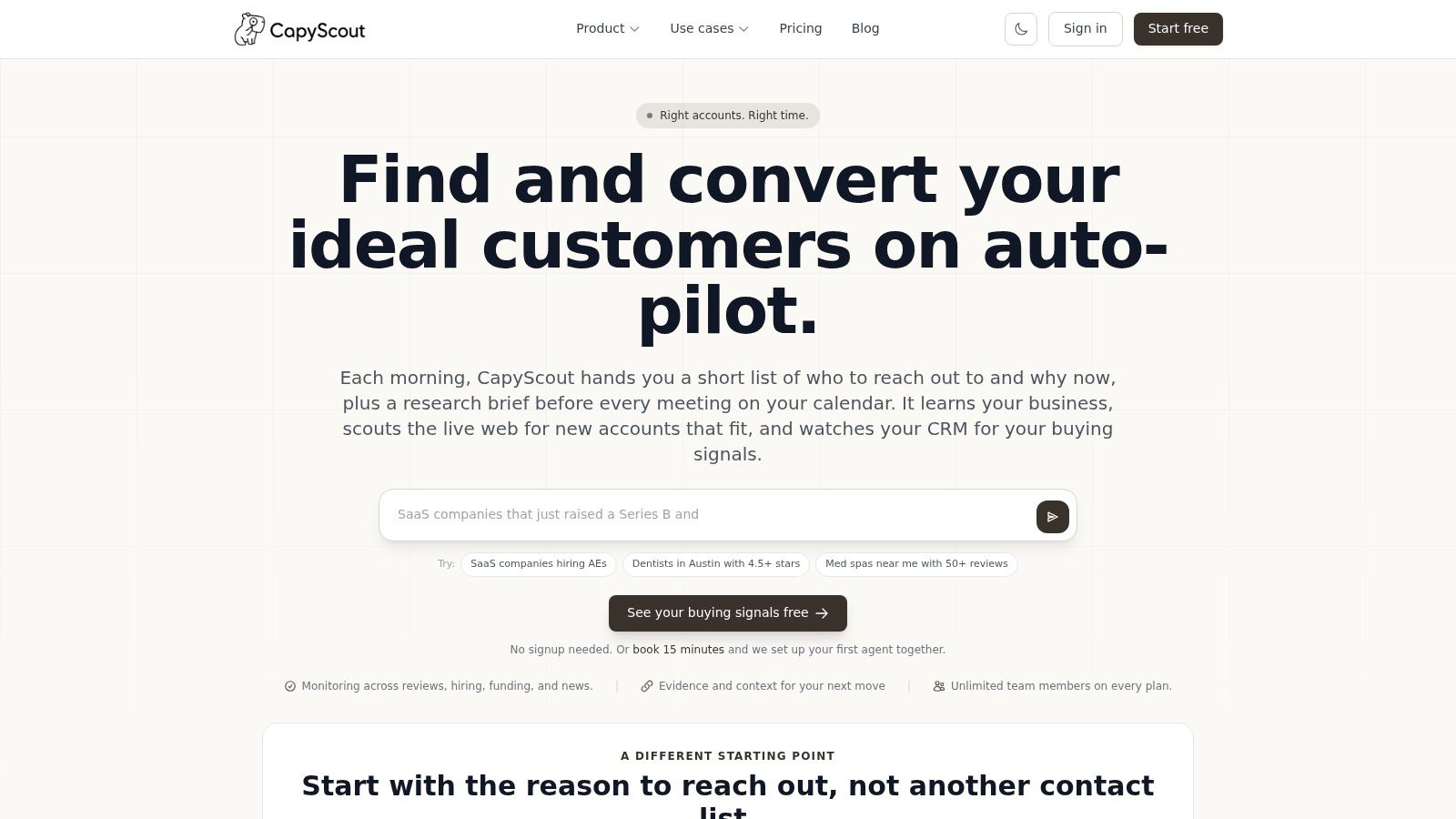
CapyScout targets a different buying decision from a web-stack database: which account deserves attention today, and what evidence supports that decision. Its account records combine technology changes with public signals such as hiring, funding, leadership changes, reviews, website activity, and return visits to commercially relevant pages. This gives sales teams a reason to investigate an account before treating a detected technology as a buying signal.
Technology detection comes from website crawling and DNS/MX checks. Captured technologies can then be added to company enrichment and signup records, making the product more useful for qualification and account activation than for standalone stack inventories. Analysts should still separate visible website evidence from assumptions about private deployments.
Best fit and operating model
Account monitoring can follow selected companies for technology changes, hiring, funding, news, reviews, reputation shifts, and visits to pricing, demo, or integration pages. Alerts include source-backed briefs, while unverifiable items are flagged for review. The practical advantage is evidence quality: a seller can inspect the underlying signal before drafting outreach.
For inbound workflows, signup records receive fit, risk, and confidence scores, together with an action such as route, nurture, or hold. Nightly agents run saved searches, check watched signals, and assemble a scored Today queue with outreach drafts.
- CRM and routing: HubSpot, Pipedrive, and Attio sync can write enriched account context to company records. Teams can route technology-change alerts through Slack, Teams, email, or webhooks for SDR triage.
- Developer access: REST API, webhooks, and an MCP server support embedded scoring, enrichment, and assistant workflows.
- Outreach workflow: Drafts open in Gmail or Outlook without inbox OAuth, so existing sending and threading remain under the user's control.
- Pricing model: Plans use credits with unlimited seats and no per-seat or per-lead fees. A free buying-signal finder and a seven-day free trial are available without a credit card.
Practical rule: Use CapyScout's technology signal to start an investigation, not to prove a private software deployment.
Coverage depends on public web evidence. Private accounts and internal tools with no visible trace may be missed. The native CRM list does not include every platform, and no native Salesforce sync is listed. Heavy monitoring therefore requires credit planning because signal limits vary by plan.
Website: capyscout.com
2. BuiltWith
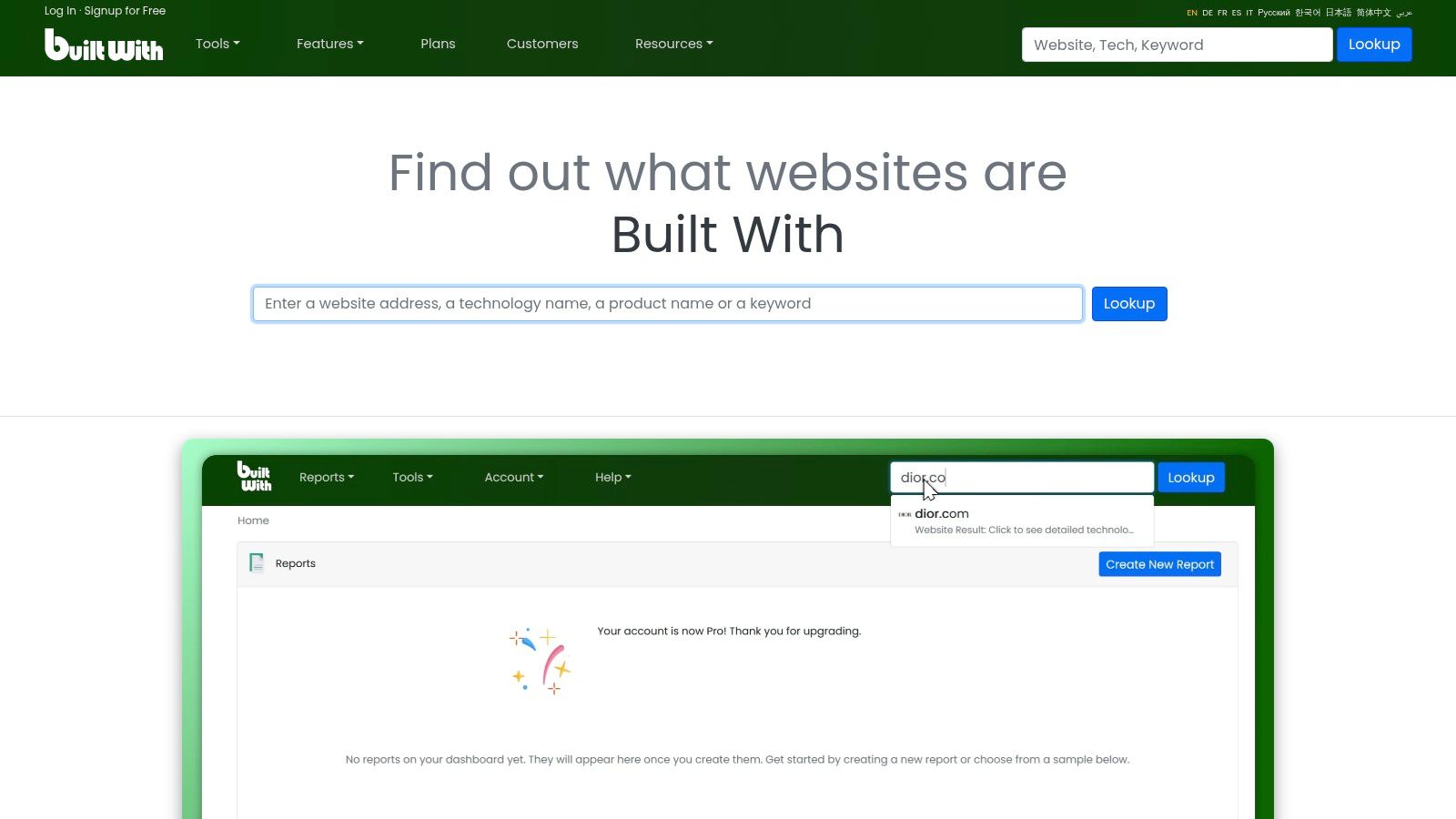
BuiltWith answers a narrower question than many account-intelligence platforms: which public web technologies does this company use? Its crawler detects technologies across domains, records adoption history, and supports prospecting lists for sales, market research, competitor analysis, and investment research.
That historical record changes the buying decision. Analysts can check whether a technology appeared, disappeared, or changed on a tracked domain instead of relying on a single lookup. The evidence is useful for migration research and competitor monitoring, where a visible stack change can justify further account investigation.
BuiltWith supports filters for technology, location, ecommerce, pricing pages, and estimated web-technology spend. Analysts can export results, connect them with CRM workflows, use an API, and work with bulk datasets. Usage alerts and technology-change monitoring extend detection beyond a one-time list, although teams still need rules for deciding which changes deserve sales action.
What BuiltWith is suited to:
- Web-stack coverage: Public, browser-facing technologies across company domains.
- Historical analysis: Technology adoption and removal over time.
- Pricing model: Self-serve monthly options, making initial evaluation simpler than opaque enterprise procurement.
- Implementation effort: Low for lookups and list building, higher when exports, CRM fields, and alerts require operational rules.
- Best-fit teams: Startups, scaleups, SDR teams, analysts, and local agencies prospecting by visible stack.
The method has a clear boundary. Crawling cannot reliably confirm internal CRM configuration, private cloud deployments, procurement commitments, or tools operating behind a firewall. It therefore provides technology evidence, not complete account intelligence or live buying intent.
Lower tiers may restrict filter combinations. Buyers should test the exact technologies and markets they need before selecting an entry plan.
Website: BuiltWith technology profiler
3. Wappalyzer
Wappalyzer is designed for a specific buying decision: identifying accounts by their visible web stack and turning those findings into repeatable workflows. Its lead-generation tools filter companies by selected technologies, while its REST API supports lookup and enrichment for applications that score, route, or classify accounts automatically.
The practical advantage is a relatively short path from trial to implementation. A developer can test an enrichment flow, inspect returned stack data, and decide whether CRM or sales-operations integration is justified. Browser extensions and bulk or asynchronous workflows let prospecting teams research without sending every lookup through engineering.
Its credit-based model makes usage volume the main commercial variable. Lower-volume testing can be easier to assess than an enterprise data contract. At larger volumes, repeated lookups and enrichment jobs may consume credits quickly, so finance and RevOps should estimate request frequency, account coverage, and refresh needs before comparing plans.
Use Wappalyzer when the workflow depends on visible technology evidence:
- Technology targeting: Build account lists around an integration footprint or web stack.
- API access: Connect REST endpoints to automated lookup and enrichment workflows.
- Team workflows: Browser extensions, bulk jobs, and asynchronous processing support distributed research.
- Data boundary: It generally provides less firmographic context than broader B2B data clouds.
That makes it a practical fit for a startup testing outbound segmentation, a scaleup enriching a narrow account set, or a local agency running repeatable stack research across client campaigns. It is less suitable as the only system for enterprise planning, where verified installations, spend context, and contract timing matter. Wappalyzer detects technology presence. It does not, by itself, establish intent or identify every visitor.
Website: Wappalyzer technographics API
4. HG Insights
HG Insights is not primarily a website-lookup tool. Its buying case is which enterprise accounts have the relevant technology, investment profile, and timing for a serious sales motion? The platform focuses on verified installations, technology changes over time, projected IT and AI spend, and contract or renewal timing.
A provider profile describes coverage of 120M+ technology installations across 9M+ companies, 20,000+ products, and 7,000+ vendors, with verification dates, deployment locations, and usage intensity in the dataset (provider coverage profile). These fields make the signal more useful than a simple “uses this product” label. Sales teams can assess whether an installation is current, deployed broadly, and relevant to the opportunity.
The practical test is account-level validation. Before building spend-based prioritization, ask HG Insights to verify the dates and deployment locations for 10 known enterprise accounts in your target market. Compare those results with your internal records. This exposes coverage or freshness gaps before they affect territory design or pipeline forecasts.
HG Insights fits TAM sizing, competitive displacement, whitespace analysis, and strategic account selection. Nightly CRM enrichment can distribute install, spend, and renewal fields, but RevOps still needs field definitions, scoring rules, and seller guidance.
- Best buying decision: Enterprise install, spend, and renewal intelligence.
- Signal depth: Technology changes can be reviewed alongside estimated investment and contract context.
- Implementation effort: High. CRM mapping, scoring, governance, and enablement are part of the work.
- Team fit: Enterprise sales, strategic account teams, market intelligence, and mature RevOps groups.
The trade-off is cost and complexity. A small team looking only for websites running a particular CMS may not use the additional depth. HG Insights is a stronger fit when account value supports structured governance and a defined process for deciding why an account should be contacted now.
Website: HG Insights enterprise technographics
5. Demandbase
Demandbase makes technographics one input in an account-based marketing and revenue platform, so its value depends on how a company acts on account signals. Buyers receive technology attributes alongside firmographics, intent, engagement, scoring, and activation tools. The decision is therefore broader than selecting a crawler or exporting a list of websites using a particular product.
Technology fields can shape account profiles, segmentation, and seller prioritization. Administrative controls help teams determine which attributes appear in sales and marketing workflows, while the sales intelligence extension and go-to-market integrations can place the information inside an existing ABM process. CRM alignment still requires deliberate field mapping and ownership.
The buying decision is account activation
Demandbase suits organizations that already define accounts centrally and coordinate sales with marketing. A technology match can contribute to fit scoring, then combine with engagement or buyer signals before selected accounts enter advertising, outreach, or other workflows. That operating model differs from BuiltWith or Wappalyzer, where the initial task is usually discovering sites by web-stack criteria.
- Best buying decision: Account activation that combines technographics with intent and engagement.
- Pricing model: Enterprise-oriented, typically evaluated as part of a broader database or ABM subscription rather than a simple lookup plan.
- Implementation effort: Meaningful. Account definitions, field governance, scoring rules, and CRM alignment must be agreed before activation.
- Best fit: Larger marketing and sales organizations with an established ABM motion.
The main limitation is scope. A team needing one technology lookup or a small API enrichment workflow may incur procurement and setup work without using Demandbase's wider capabilities. Evaluate it against the intended activation path, including CRM and campaign requirements, rather than against a web crawler alone.
For alternative account-intelligence approaches, this Demandbase competitor guide offers additional context.
Website: Demandbase account intelligence
6. 6sense Sales Intelligence
The buying case for 6sense is live account prioritization, not a standalone technology lookup. Its Slintel technographics connect technology context with in-market activity, job insights, personas, and buying groups. That combination helps revenue teams assess whether a stack match supports an active opportunity or merely describes an existing customer environment.
A technology change, relevant hiring pattern, and coordinated buyer activity can raise an account's priority. A compatible tool without supporting activity should carry less weight. This distinction makes 6sense more useful for teams deciding whom to route, message, or place into an account-based program.
Choose it when activation matters
6sense brings these signals into prospecting and broader revenue workflows. Seller profiles can surface selected technology fields, while CRM and marketing-automation mapping supports routing and campaign use. Its Chrome extension adds context during research, and the wider platform can connect signals with advertising, AI-assisted email, and orchestration.
The trade-off is operational scope. Teams must define account stages, fields, and activation rules before the data can influence execution. Enterprise packaging may also place relevant capabilities in higher tiers, so buyers should confirm which technographic and intent functions are included.
Best buying decision: Live buying-signal monitoring and account activation that uses technographics alongside intent, personas, and buying groups.
Best fit: Scaleups and enterprises with an established ABM process, complex pipeline management, and enough sales activity to justify coordinated orchestration.
Startups seeking a narrow lookup or lightweight enrichment workflow may face more procurement and implementation effort than the use case warrants. Test a practical decision before signing: whether a technology field changes routing, messaging, or account prioritization.
This sales intelligence platform overview explains how broader account intelligence extends beyond technographic lookup.
Website: 6sense Sales Intelligence
7. ZoomInfo
ZoomInfo is a buying decision about account intelligence with technographics attached, rather than a narrow web-stack lookup. Technology categories and named products can enrich company records alongside firmographics and contact data. Teams can deliver those fields through enrichment APIs, files, and integrations such as Salesforce and HubSpot.
The practical advantage is consolidation. A revenue organization already using ZoomInfo may avoid stitching together a technology detector, contact database, enrichment service, and CRM connector. That choice matters when technology data must influence territory design, list building, routing, or account research.
Technology fields become more useful when joined to a person, role, or territory. They can help identify accounts using a relevant system, then connect that signal to the contacts and firmographic filters a sales team already uses. The limitation is that ZoomInfo's value depends on data governance, including field ownership, deduplication, and routing rules.
Best buying decision: Unified account, contact, firmographic, and technographic enrichment.
Pricing model: Enterprise-oriented and often bundled. Buyers should confirm whether the required technology fields, API access, and CRM features are included in the proposed package.
Implementation test: Check coverage and recency across smaller or long-tail companies before deployment. A local agency needing a quick stack check may find the platform broader than necessary, while a developer seeking a narrow API may pay for capabilities they will not use.
For solo operators, the ZoomInfo setup for solo operators guide offers a starting point for assessing a bundled workflow. ZoomInfo fits better when enrichment already has a defined operational destination than when the goal is one-off technology detection.
Website: ZoomInfo technology enrichment
8. Datanyze
Datanyze fits a narrower buying decision: quick stack discovery during everyday prospecting. Its Chrome extension combines company research, technology identification, and contact reveals, allowing an SDR to inspect a prospect without leaving the page already in use.
The main advantage is low implementation effort. A small sales team can begin researching accounts without first building an enrichment pipeline, while a local agency can check niche businesses and transfer relevant findings into its existing CRM or sales process. This makes Datanyze more practical for account activation through rep-led research than for automated visitor identification or live buying-signal monitoring.
Its limits become clearer at higher volume. Datanyze offers a smaller dataset and narrower feature set than enterprise platforms, with less activation, orchestration, and account-monitoring depth than Demandbase, 6sense, or CapyScout. Results are most useful when the CRM and follow-up workflow already have a defined place for them.
Best buying decision: Fast, affordable technographic research for SMB and mid-market prospecting.
Adoption effort: Low. Reps work from the browser instead of learning a large data platform.
Workflow gap: Limited automation leaves CRM hygiene, validation, and follow-up logic with the buyer.
Best fit: Small SDR teams, founders, and local agencies with moderate research volume.
Credit-based pricing requires usage monitoring. A low entry point may become less attractive for teams running frequent lookups, so buyers should test coverage, credits, CRM handling, and contact reveal limits before rollout. Datanyze answers the focused question, “Does this account use a relevant web technology?” It is less suitable as the foundation for enterprise install intelligence or fresh, multi-signal monitoring.
Website: Datanyze technographics
9. Clearbit Reveal and Enrichment
Clearbit suits a different buying decision from a traditional technographic database: which company is visiting, and what should marketing or sales do next? Reveal uses reverse-IP identification to associate anonymous website activity with company attributes. Enrichment can then add firmographic and selected technographic fields to existing records.
The value lies in activation rather than building a software-filtered prospect universe. A team can route an account, adjust its score, personalize a website experience, or add context to a record already moving through HubSpot. That makes the product more relevant to account-based workflows than to broad technology discovery.
HubSpot alignment can reduce setup effort for organizations already using its CRM and marketing tools. Credit-based metering supports enrichment and batch workflows, although buyers need to confirm which actions consume credits and how visitor identification, enrichment, and audience activation share that allowance.
- Best buying decision: Anonymous company visitor identification with CRM and marketing activation.
- Strength: Reveal can turn company-level website activity into a routing or scoring signal.
- Limitation: It does not replace a deep technographic catalog or enterprise install and spend database.
- Best fit: HubSpot-centered marketing teams, demand generation, and website personalization programs.
Coverage depends on network conditions. VPNs, remote work, shared networks, and unusual routing can prevent an IP address from representing the visitor's employer accurately. Treat the match as an account signal, not proof of an individual buyer or their intent.
Implementation planning should cover field mapping, credit use, CRM governance, and the handoff from identified visits to campaigns or sales tasks. Teams assessing that workflow can consult this CRM data enrichment guide for 2026.
Website: Clearbit Reveal and enrichment
10. Foundry by KickFire
Foundry is a focused answer to a specific buying problem: identifying the companies behind website visits. Built around KickFire's IP intelligence, its IP-to-Company and Domain-to-IP APIs connect first-party activity with company-level firmographics. Developer tooling and a free sandbox key allow teams to test match quality before committing to implementation.
That focus makes Foundry different from a web-stack catalog or enterprise technology-spend database. It helps answer which company may be visiting, what firmographic context is available, and where that signal should flow, such as analytics, advertising, personalization, or ABM systems.
Choose it for visitor resolution
Foundry fits teams that already have analytics or account-activation workflows and need an API-based identity layer. A local agency could apply it across client websites, while a B2B SaaS team could route account-level visits to sales or marketing programs.
- Best buying decision: IP-to-company resolution for first-party visitor workflows.
- Developer experience: APIs and a sandbox support a controlled proof of concept.
- Data limitation: The product centers on IP resolution and firmographics, rather than broad technographic coverage.
- Matching risk: VPNs, remote work, shared networks, and unusual routing can lower confidence.
Visitor resolution should remain an account signal. It does not establish an individual's identity, reveal every technology in the account's stack, or confirm purchase intent. Teams should test coverage across their traffic, map returned fields to CRM or analytics systems, and define how uncertain matches are handled.
Website: Foundry by KickFire
Top 10 Technographic Data Providers Comparison
| Product | Core features | Unique selling points (✨) | Quality / Relevance (★) | Target audience (👥) | Pricing / Value (💰) |
|---|---|---|---|---|---|
| CapyScout 🏆 | Live‑web buying signals, NL discovery, signup triage, daily CRM enrichment, outreach drafts | ✨ Source‑cited briefs; account‑level timing; no inbox OAuth; Local Reputation Watch | ★★★★★ | 👥 Founders, SDR/BDR, RevOps, local agencies, CSMs | 💰 Credit‑based, unlimited seats; free signal finder + 7‑day trial |
| BuiltWith | Tech install detection, historical trends, exportable lists | ✨ Deep historical technographics and filters | ★★★★☆ | 👥 SDRs, analysts, market researchers | 💰 Clear monthly plans, per‑export limits |
| Wappalyzer | Tech lookup API, browser extensions, bulk enrichments | ✨ Fast API; easy prototyping; browser-based reveals | ★★★★☆ | 👥 SMB SDRs, devs, ops teams | 💰 Credit‑based lookups; good value at lower volumes |
| HG Insights | Verified installs, spend modeling, renewal timing, nightly CRM enrich | ✨ Decision‑grade spend & contract signals for enterprise | ★★★★★ | 👥 Enterprise RevOps, TAM/territory planners | 💰 Higher cost; enterprise contracts |
| Demandbase | Technographics in ABM platform, intent + engagement | ✨ Unified account activation + orchestration | ★★★★★ | 👥 Enterprise marketing & sales teams | 💰 Enterprise pricing; module‑based |
| 6sense (Slintel) | Tech + buyer intent, CRM mapping, extensions | ✨ Tech tied to buying groups and activation stack | ★★★★★ | 👥 Enterprise revenue teams, ABM users | 💰 Enterprise tiers; gated features |
| ZoomInfo | Enrichment (tech + people), APIs, broad coverage | ✨ One vendor for contacts, firmographics & tech | ★★★★☆ | 👥 Ops teams needing unified data cloud | 💰 Enterprise bundles; often bundled pricing |
| Datanyze | Tech detection + contact reveal, Chrome extension | ✨ Budget‑friendly on‑page prospecting for SDRs | ★★★☆☆ | 👥 SMB SDR teams, solo prospectors | 💰 Affordable entry plans; limited dataset |
| Clearbit | Reveal + enrichment, 100+ attributes, HubSpot friendly | ✨ Strong site de‑anon + HubSpot activation | ★★★★☆ | 👥 HubSpot stacks, marketers, ops | 💰 Credit model; best with HubSpot integrations |
| Foundry (KickFire) | IP→company, domain/IP APIs, firmographic enrichment | ✨ Cookieless visitor ID; developer sandbox key | ★★★☆☆ | 👥 Devs, site personalization, ad/ABM teams | 💰 Developer‑friendly; variable pricing |
Choose the Signal You Can Operationalize
There isn't one universal winner because these platforms observe different layers of an account. BuiltWith and Wappalyzer are the practical starting points when public web-stack discovery and API access matter most. They're comparatively direct choices for identifying visible technologies, creating filtered lists, or adding stack detection to a small application.
Choose HG Insights when the sales decision depends on enterprise install context, estimated IT or AI spend, deployment detail, and renewal timing. The platform makes more sense when RevOps and account teams can turn those fields into territory rules, whitespace plays, and competitive campaigns.
Demandbase, 6sense, and ZoomInfo are broader operating environments. Demandbase fits account-based activation, 6sense connects technographics to intent and buying groups, and ZoomInfo suits teams that want company, contact, firmographic, and technology enrichment in one data motion. These options can reduce integration sprawl, but they also require clearer governance and a stronger business case than a specialist lookup tool.
For smaller teams, the decision is simpler. Datanyze is suited to lightweight SMB prospecting. Clearbit and Foundry are better when the primary signal is an anonymous company visit. CapyScout is the better fit when a team needs live, source-backed account signals, daily CRM enrichment, signup triage, technology-change monitoring, or local reputation monitoring alongside technographics.
Freshness deserves more attention than database size. Forrester's history shows that technographics has been used as a technology-adoption measurement framework since 1997, and its 2009 U.S. survey covered 10,111 individuals (Forrester survey PDF). The category has since grown into a commercial data infrastructure market, with independent summaries estimating growth from about $367.1 million in 2020 to roughly $1.17 billion by 2025, implying a 26.1% CAGR (market and provider overview). Those figures explain why vendor comparisons now need to examine update behavior and evidence, not just whether a provider has a large catalog.
Use this evaluation path before you commit:
- Test target-account matches: Give each vendor a set of accounts whose technology stacks you already know. One 2026 comparison recommends testing against 20 to 50 known accounts before adoption (vendor testing guidance).
- Separate detection methods: Website crawling is useful for visible front-end tools, while job-posting inference can provide clues about internal or backend systems. Blended platforms may offer broader coverage with less transparent evidence (regional and method comparison).
- Inspect freshness and provenance: Ask when each record was verified, which sources support it, and whether technology disappearance is tracked. A lost signal can indicate churn, replacement, or migration, but only when the provider exposes enough context to defend the interpretation (freshness and source-depth guidance).
- Model real usage costs: Calculate credits, enrichment frequency, API calls, bundled modules, seats, and monitoring volume at your expected workload. A low entry price can become expensive if every lookup consumes a credit.
- Map CRM fields and routing: Decide where technology, confidence, source, last verified date, and “why now” notes should live. Then define who receives the alert and what action follows.
- Pilot the workflow: Don't test only a dashboard. Run discovery, enrichment, routing, monitoring, and outreach against real accounts, then inspect whether sellers use the resulting signal.
The most useful provider is the one your team can connect to a decision. A technology match that never changes routing is just another CRM field. A current, explainable signal that reaches the right person with the right context can support a real outbound motion, as illustrated by these top B2B marketing examples for outbound.
CapyScout combines technology-stack enrichment with live-web buying signals, source-backed briefs, signup triage, daily CRM updates, and account monitoring for B2B and local markets. Visit CapyScout to test which accounts are showing a timely reason to engage, then connect those signals to the workflow your team already uses.