

Lead Enrichment Tools Compared: 10 Options for 2026
Compare 10 lead enrichment tools by data sources, accuracy, CRM fit, automation, and team type. Pick the right stack for your sales team in 2026.
A rep opens a record labeled Head of Sales, with company size unknown and no verified email. The call is ten minutes away. The enrichment tool determines how much of that record is complete, how current its fields are, and whether the rep can rely on them.
That is why the enrichment stack matters more than the size of its database. In 2024, sales representatives spent 70% of their working time on non-selling tasks, according to Salesforce's State of Sales research as summarized by Vandfort. Chasing a current title, company size, or email that the CRM should already hold adds to that workload.
More records do not automatically fill the gaps. verified owner contacts beat bulk records when reps need reliable details for real pipeline work. A stale title still leaves the rep guessing before a call.
This comparison assesses 10 lead enrichment tools by how they work inside a sales workflow: where their data comes from, how they handle missing fields, which CRM they write to, how much manual work remains, and which teams they suit. Cost predictability matters more than a list of plan tiers. Each entry also identifies when the tool is the wrong fit.
CRM records drift over time. Choose a tool that refreshes the fields your reps use, and avoid paying for data they will not act on.
Table of Contents
- 1. CapyScout
- 2. HubSpot Data Enrichment (Breeze Intelligence)
- 3. Apollo
- 4. Clay
- 5. Lusha
- 6. People Data Labs (PDL)
- 7. UpLead
- 8. ZoomInfo
- 9. Cognism
- 10. Hunter
- How the 10 lead enrichment tools differ by data sources, CRM integrations, automation, and best-fit team
- Choosing the Enrichment Tool That Fits How Your Team Actually Sells
1. CapyScout
The screen that matters is a prioritized daily queue, not another export of names.
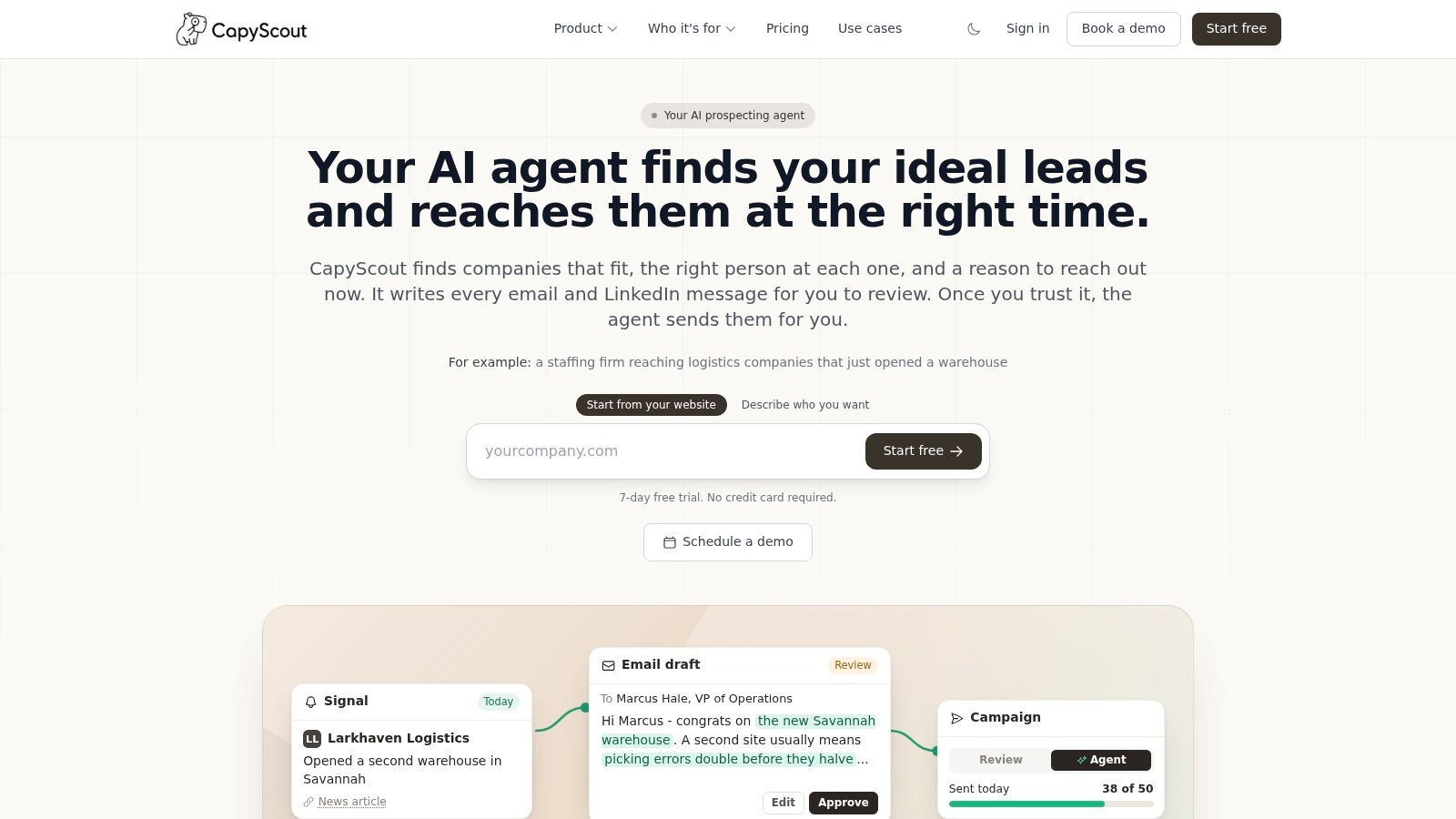
CapyScout searches the live web for companies that match the criteria you set, finds a relevant contact, and attaches a current reason to reach out. Signals cover hiring, funding, leadership changes, new locations, reviews, and visits to watched pages. Each alert links to its source. Claims it cannot verify are flagged instead of written into the record as fact.
HubSpot's buyer-intent overview distinguishes first-party intent, collected from your own site, CRM, or marketing systems, from third-party intent gathered on external sites. Watched-page visits stay account-level context. They are not treated as consent from a named person.
How a thin record gets finished
Signup screening scores fit, risk, and confidence, then suggests route to sales, nurture, or hold. Sync writes firmographics, an ICP grade, and a why-now note to HubSpot, Pipedrive, or Attio. Alerts can land in Slack, Teams, email, or a webhook, and the same jobs can run through a REST API or an MCP server. Drafts open in Gmail or Outlook without inbox access. If you approve sending, messages go from your own email or LinkedIn and stop when someone replies.
Pricing is credit-based, with unlimited seats and no per-seat or per-lead fees. After the 7-day trial, a Free plan remains, with 5 watched accounts and 250 credits. Confirm the credit meter before a large backfill.
Practical rule: Don't auto-send a signal you haven't opened. A cited source still needs a human check before it becomes the first line.
This is the wrong choice if you only want the cheapest verified email and will never review a queue. Signal quality depends on the criteria and sources you configure, and optional sending does not remove that review.
2. HubSpot Data Enrichment (Breeze Intelligence)
If the CRM is already HubSpot, Breeze Intelligence writes the extra fields where the record lives. It can append role, employer, location, revenue, and industry on one contact, a segment, or a workflow. Continuous updates and shorter forms are the parts marketing ops feel, because reps stop retyping the same company block.
A 2025 Bain survey of more than 1,200 senior commercial executives across 18 industries found that 70% of companies failed to integrate sales plays effectively into CRM and revenue-technology systems, and only about 20% realized the full value of their structured sales and marketing activities, as reported by Savannah CEO. Native enrichment keeps the play inside the system people already open. Set overwrite rules before the first bulk run, using this practical HubSpot enrichment implementation as the sequence.
What works: records, workflows, and intent features share one CRM, so routing doesn't wait on a CSV.
What doesn't: credits make a high-volume backfill hard to forecast, and the product is a weak buy if Pipedrive, Attio, or Salesforce is the system of record. I wouldn't add HubSpot seats only to rent enrichment.
See HubSpot Breeze Intelligence.
3. Apollo
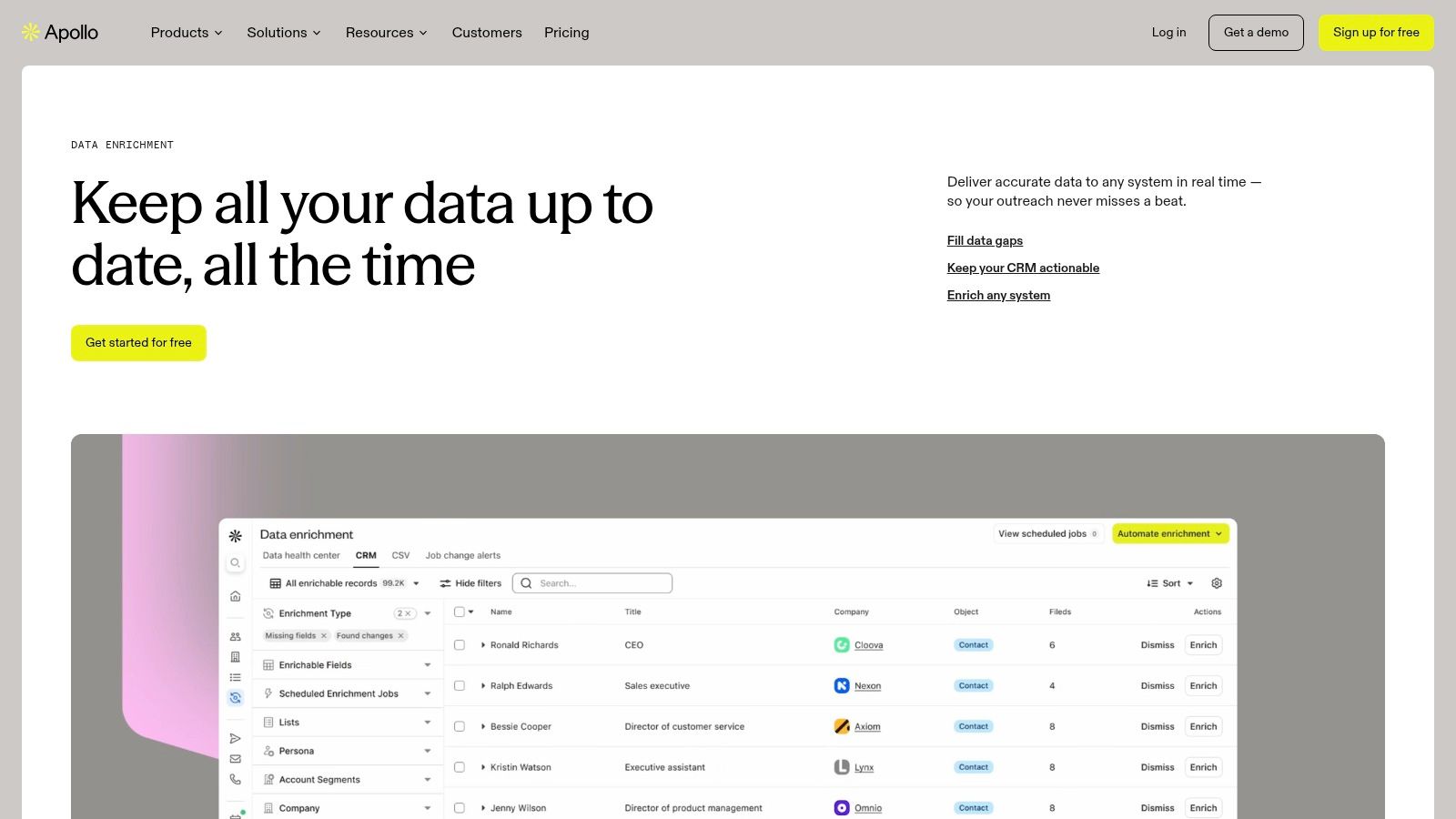
Outbound teams often want search, contact data, and a CRM write in one login. Apollo fills contact and account records with demographic, firmographic, and technographic fields, manually, on a schedule, or in real time. API, CSV, form, and some waterfall paths cover the cases where the CRM isn't the only front door.
The product is built as a database plus an engagement layer, which shows up the moment you open a search.
Validity's 2025 State of CRM Data Management survey of 602 CRM users found that 76% said less than half of their organization's CRM data was accurate and complete, according to a write-up on Reach Marketing. A scheduled refresh matters more than a one-time import when that much of the database is already thin.
Free-plan users can enrich a limited number of CRM records, which is enough for a pilot. Credits change by action and by what comes back, so track cost per usable record, not the sticker. Match rate still has to be tested in your market.
Skip it if the job is CRM hygiene only. Prospecting and sequences are extra surface area you will keep seeing. Teams weighing scope can put an Apollo alternative next to a pure data API. Details sit on Apollo data enrichment.
4. Clay
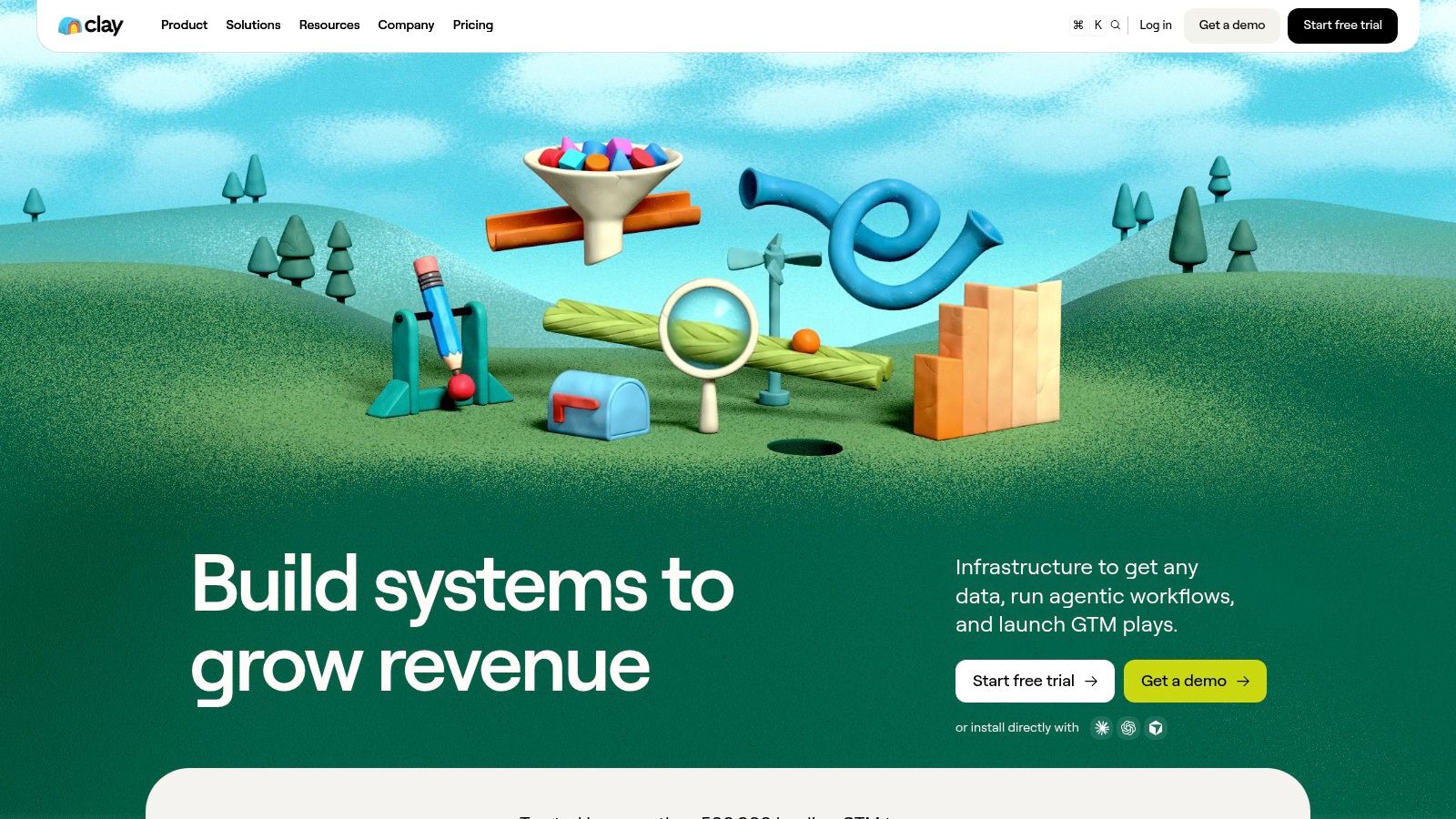
Clay is the waterfall you build yourself. It can query more than 100 external providers in an order you choose, then fall through when a work email or phone is missing. AI research across sites and documents can fill a field no database has, such as a niche tool mention on a docs page.
You are looking at a workbook, not a CRM tab.
A 2025 survey of more than 200 marketing-operations and demand-generation professionals found that roughly 75% estimated at least 10% of their lead data was inaccurate, outdated, or non-compliant, and 55% considered their current tools inadequate for cleansing and enrichment, per Demand Gen Report. Waterfalls raise coverage. They don't prove a field is current. I'd block a low-confidence email from overwriting a value a rep typed.
- Setup cost: someone in RevOps owns provider order, fallbacks, and failure alerts.
- Bill shape: Clay credits and provider charges move at the same time.
- Wrong buyer: a five-person team that wants a plug-in and won't maintain the sheet.
Clay fits growth and RevOps teams with custom logic. It is the wrong tool when nobody watches the workflow after launch.
5. Lusha
Lusha is a contact-first lookup. It adds business details, including verified work emails and phones, through the workspace, a CSV, the API, or CRM Auto-Sync. On Pro and above, Data Waterfall checks more providers when Lusha misses an email or phone, and published rules charge that lookup on a match.
The dashboard is meant for a quick check before a call, not a custom scoring model.
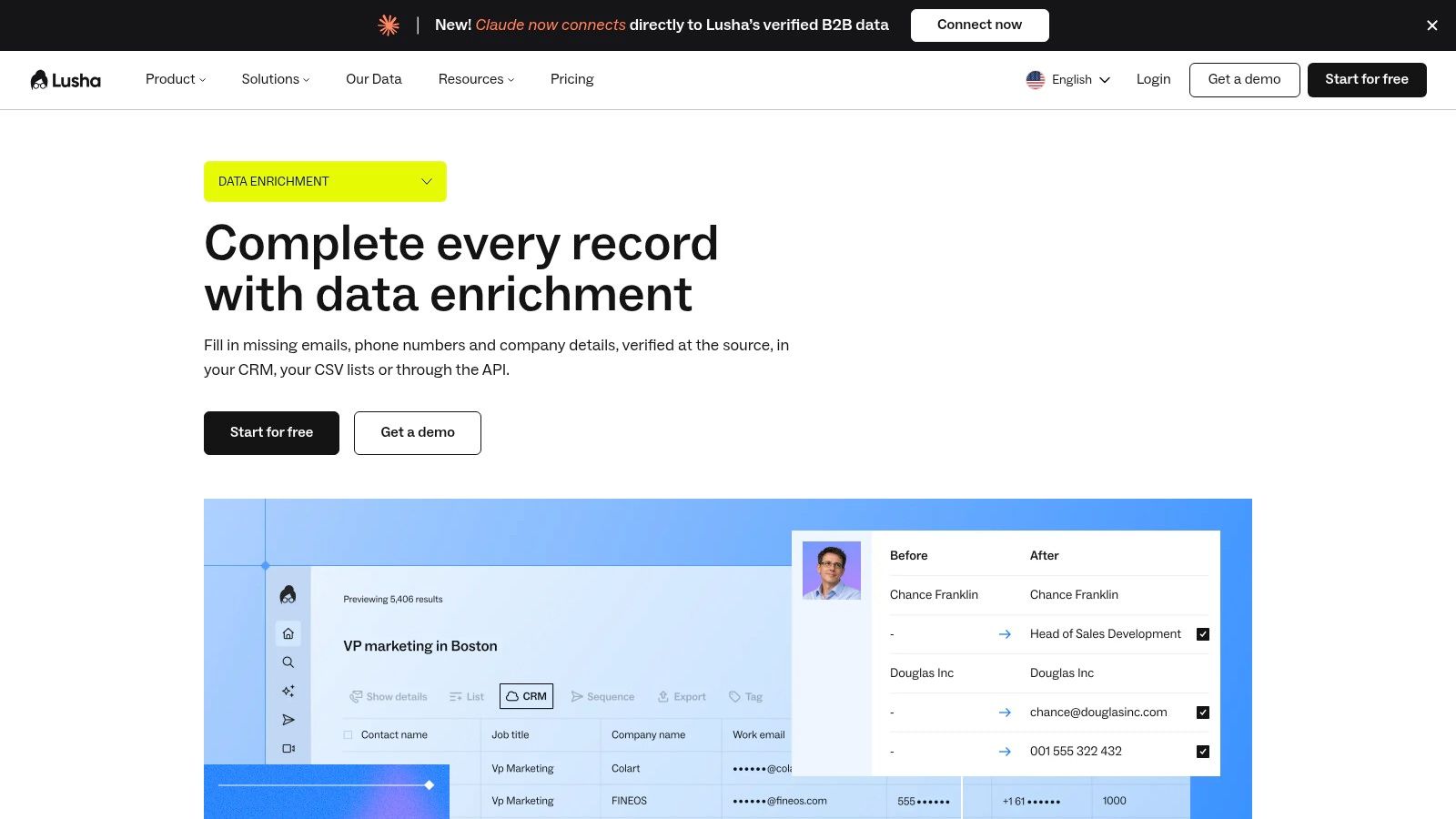
In 2025, 37% of CRM users surveyed by Validity reported that their organization had lost revenue directly because of poor CRM data quality, according to Validity's State of CRM Data Management. A verified phone can save a call block. It doesn't fix firmographics, routing, or duplicate accounts.
A free tier and published plans make the first comparison easy. Credits still burn at different rates for emails, phones, companies, and other actions, so a phone-heavy motion costs more than email-only. CRM Auto-Sync coverage centers on HubSpot and Salesforce.
Wrong choice: an Attio or Pipedrive team that needs graded company records, or anyone who needs technographics more than a direct dial. Test your own geography first. Start at Lusha data enrichment.
6. People Data Labs (PDL)
People Data Labs is an API, not a sales workspace. Person and company endpoints, including bulk jobs, match on names, emails, phones, domains, and profile URLs. You set match strictness and required fields so a weak hit never lands in the product database.
The interface is documentation and endpoints, which is the point.
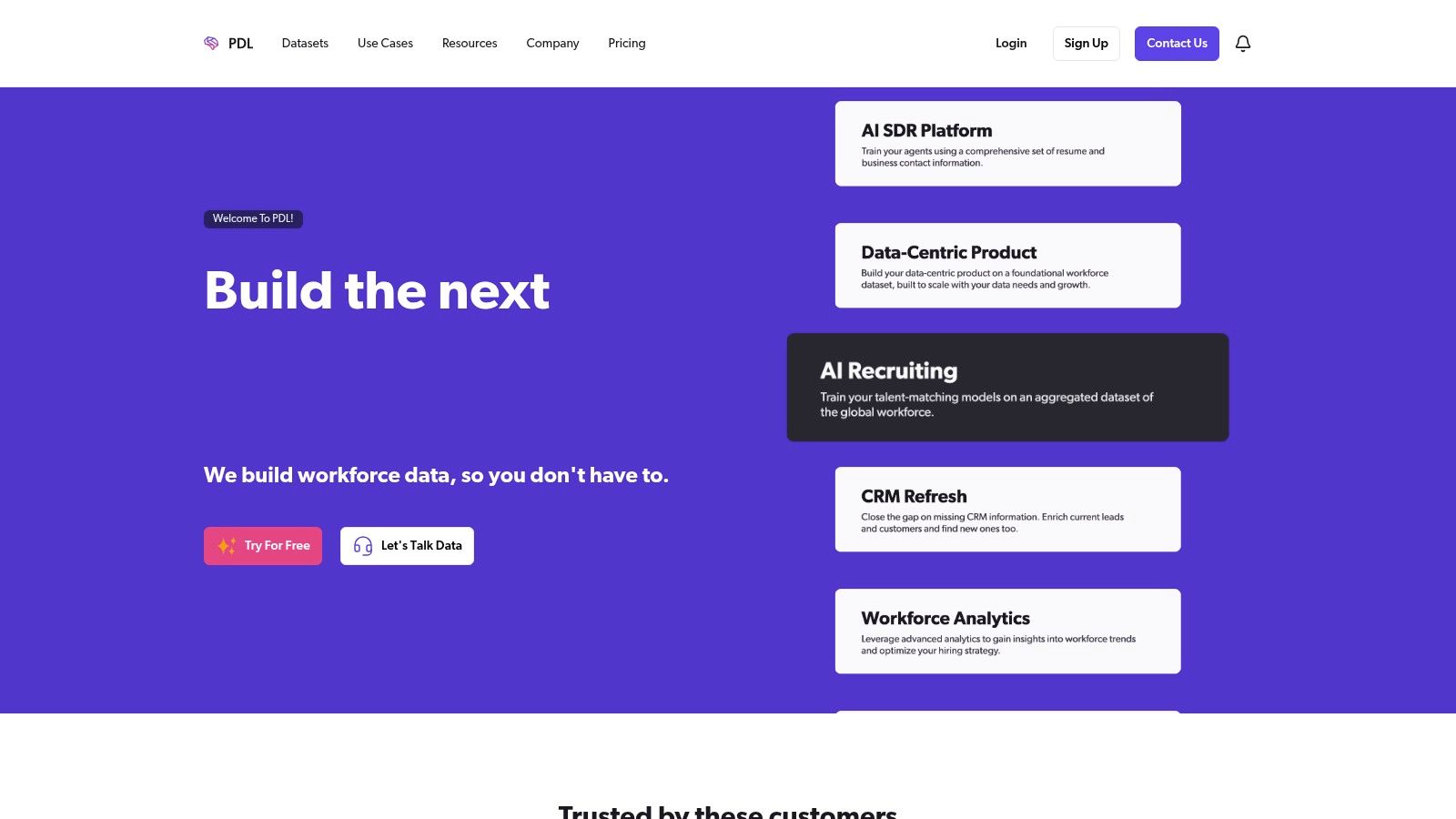
Published market analysis estimated the global sales-data-enrichment-platform market at approximately $4.8 billion in 2025, with lead scoring representing 27.3% of that market, in a DataIntelo report. Plenty of buyers want a decision layer, not only an identity lookup. PDL stops at the data. Scoring, queues, and outreach stay in your code.
Published plans charge API usage on successful matches, which is cleaner than paying for empty responses. Self-serve plans still have minimum volume and spend, and an engineer has to wire the pipeline.
Leave the field blank when the match misses your strictness bar. A guessed title in a customer-facing product is worse than a null.
Wrong choice: an SDR team that wants buttons, a daily queue, and a CRM screen. Right choice: a product or data team enriching its own app. See People Data Labs.
7. UpLead
UpLead mixes a B2B contact database with enrichment, email verification, and technographic search across more than 16,000 technologies. That last piece is why I'd shortlist it when the ICP is "companies running tool X," not when the only hole is a missing email.
Filters are the product. You slice the database, then push or enrich.
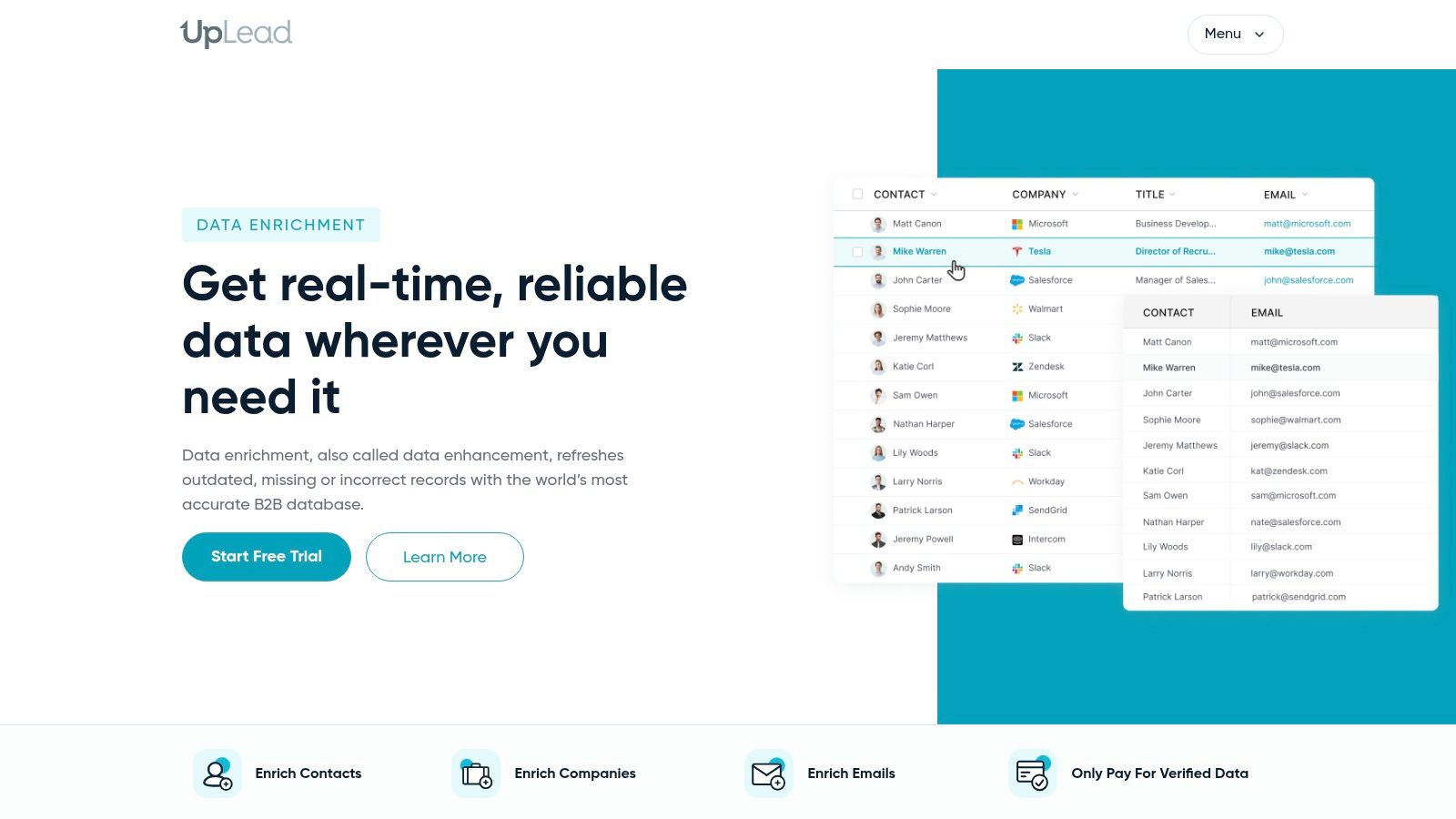
Public pricing makes the entry bill easier to estimate than a quote-only platform. List building and record fill live together, and suppression lists help you avoid emailing customers you already closed. CRM integrations cover the standard push.
Enrichment isn't on every lower-tier plan, so the cheap seat can be a search tool that still leaves the CRM thin. Higher volume or org-wide controls often move you to custom pricing, and the forecast problem comes back.
- Test your slice: run your industry and country, not a sample of familiar US SaaS titles.
- Wrong fit: a team that needs live buying signals, review monitoring, or a cited reason to call this week. UpLead completes the row. It doesn't tell you the account changed.
Compare plans on UpLead data enhancement.
8. ZoomInfo
ZoomInfo is the enterprise database play. Company and contact records, enrichment, and broader go-to-market intelligence sit with one vendor, with integrations aimed at larger sales systems. For a big outbound org that wants one contract instead of five tools, that scope can be the point.
You're buying a platform homepage's worth of modules, not a single lookup.
Pricing is quote-based, so you can't line it up on a spreadsheet the way you can with Hunter or Lusha. Seats and add-ons move the actual bill away from the first number. I treat that as a cost-predictability fail for a startup that needs a monthly cap.
Pilot your own accounts before anyone signs. Match rate and field coverage in your niche matter more than a global coverage claim. A small team that only needs emails and a CRM backfill will carry more platform than it uses.
If the quote outweighs the workflow, look at a ZoomInfo alternative that writes evidence into a lighter CRM. The vendor site is ZoomInfo.
9. Cognism
Cognism is built for international prospecting, with a compliance-conscious sales workflow rather than a single-country contact dump. Enrichment sits inside a wider intelligence setup, and commercial support is part of how you buy. That suits a team calling across several countries that wants a vendor on the contract.
The pitch on the homepage is multi-market coverage, so the pilot has to be multi-market too.
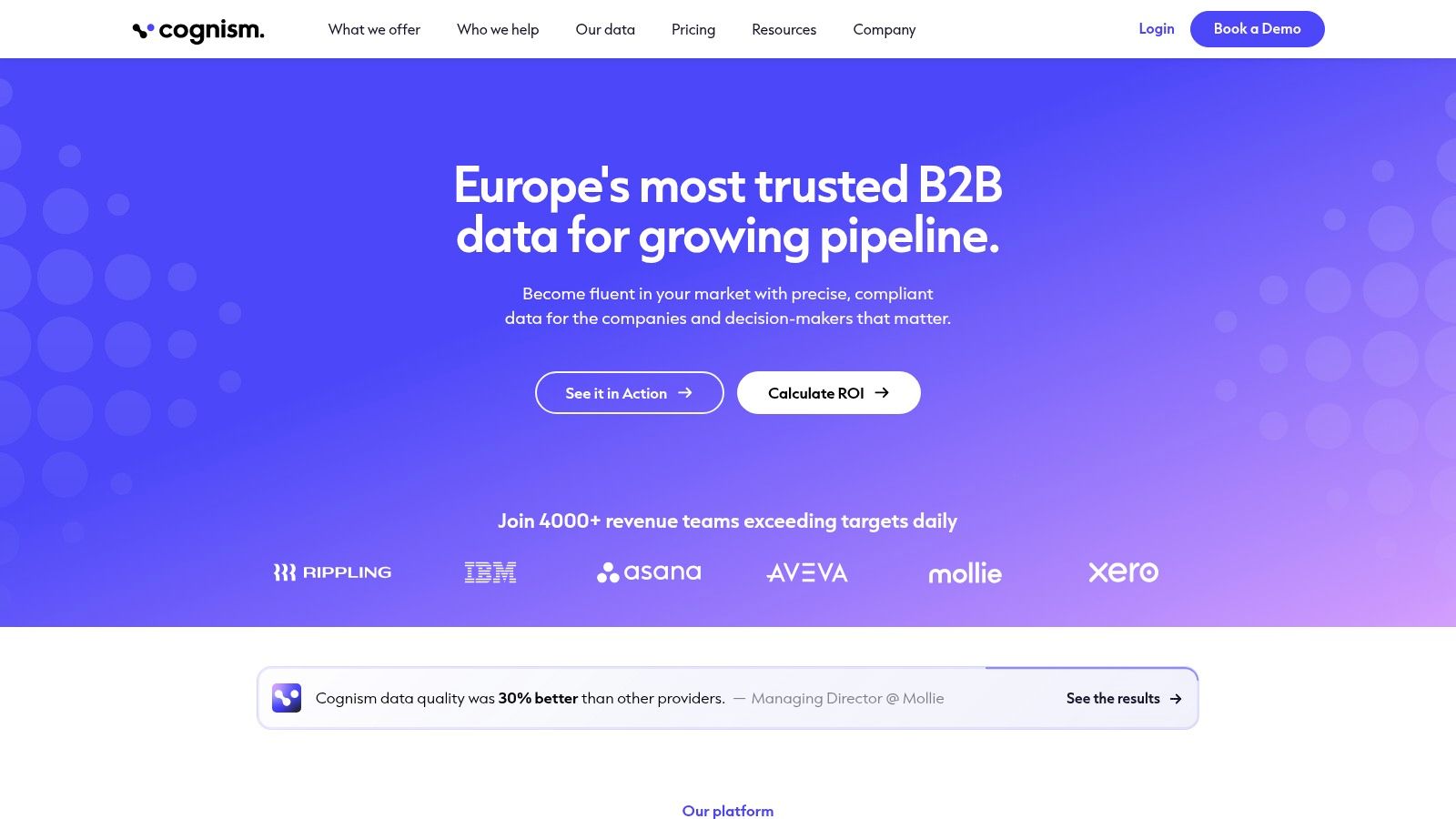
Coverage is the test that decides it. European manufacturing titles and US West Coast SaaS titles won't fill the same way. Have counsel read the compliance terms, and check how fresh job-change data is in the countries you sell into.
Quote-based pricing and an enterprise cycle are the trade-off. A two-person pod that wants to start this afternoon will find the buying process slower than the enrichment. I'd pass if the book is one domestic market and the missing field is email only.
Start the evaluation at Cognism.
10. Hunter
Hunter does one job cleanly. Email Finder, Domain Search, and Email Verifier, plus a browser extension and an API. Paid plans add lead enrichment, CSV workflows, a thinner discovery database, and email sequences. No credits are used when Hunter can't find a result, which is the clearest cost rule on this list.
The landing page is an email tool, and the product behaves like one.
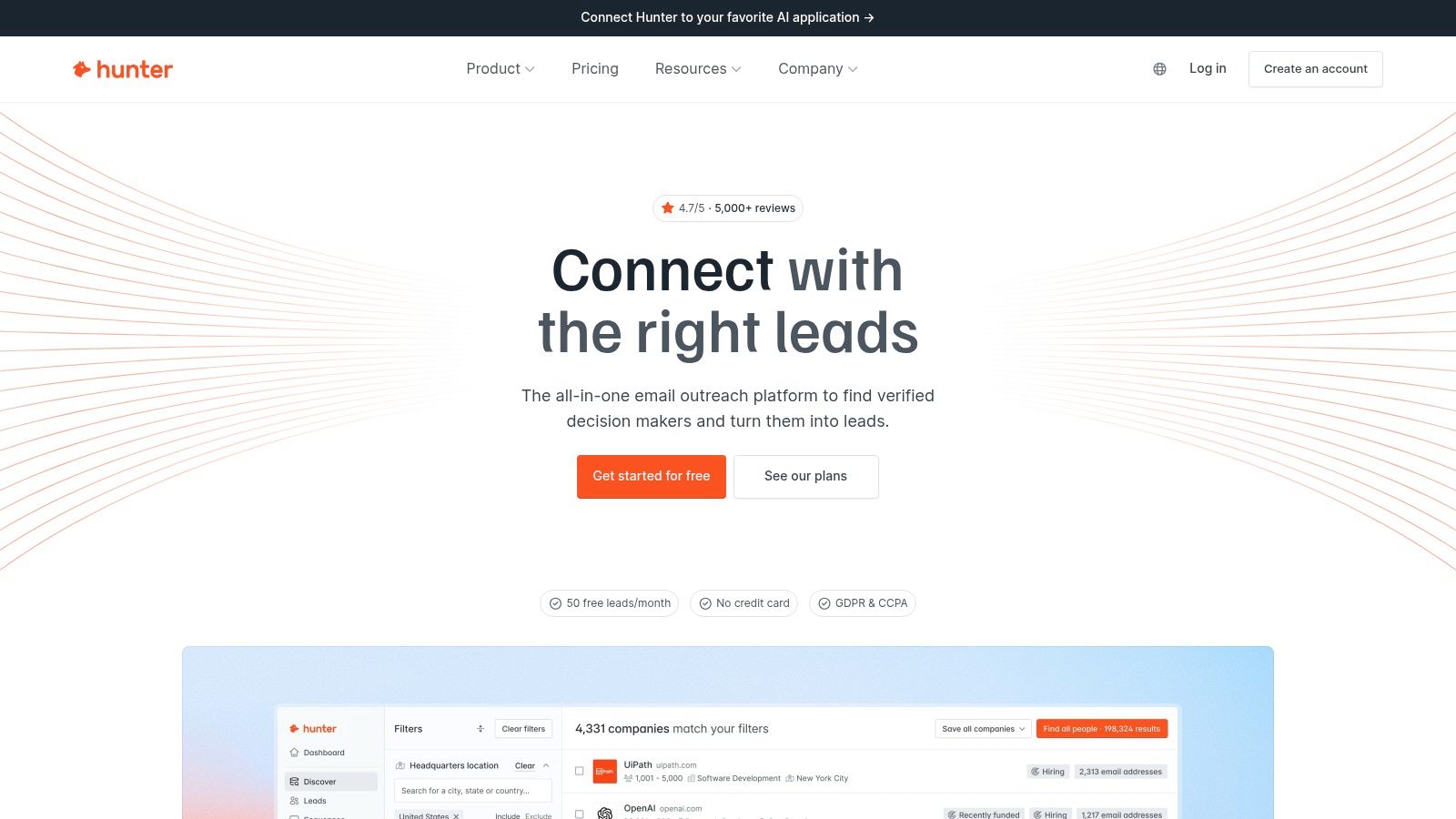
A permanent free plan lets you test the core loop on your own domains before procurement gets involved. Published credit rules make email-finding cost relatively clear. What you don't get is deep firmographics, broad phone coverage, or account signals. If sequences already live somewhere else, the paid email-sequence piece is shelfware.
Wrong choice: RevOps trying to grade ICP, route inbound, or watch reviews. Right choice: a founder or SDR who needs a verified work email and will enrich everything else in another system. Try it at Hunter.
How the 10 lead enrichment tools differ by data sources, CRM integrations, automation, and best-fit team
The practical difference is where each tool gets its data, what it can write back to a CRM, and how much workflow setup it leaves to your team. The table compares those trade-offs. A provider list or an API connection is not the same as native CRM sync.
| Item | Data sources | CRM integrations | Automation | Best for |
|---|---|---|---|---|
| CapyScout (recommended) | Live web searches and feeds, LinkedIn connections and engagement, website visitors and signups, watched companies, and customer lists | HubSpot, Pipedrive, Attio | Signup scoring, CRM enrichment, signal monitoring, and outreach drafts; sends approved email and LinkedIn steps from your accounts | B2B prospecting and local-business monitoring that needs source-backed reasons to act |
| HubSpot Data Enrichment (Breeze Intelligence) | Contact and company attributes; buyer-intent data | HubSpot | Bulk, workflow-triggered, and continuous enrichment; form shortening | Teams already using HubSpot |
| Apollo | B2B contact and company data, including demographic, firmographic, and technographic details | Salesforce and HubSpot | Manual, scheduled, and real-time enrichment; API, CSV, and form workflows | Outbound teams combining prospect discovery and enrichment |
| Clay | More than 100 external providers; websites and documents | HubSpot and Salesforce, with API connections for custom workflows | Multi-provider waterfalls, AI research, configurable workflows | RevOps and growth teams building custom enrichment workflows |
| Lusha | Business contact and company data; verified work emails and phone numbers | HubSpot and Salesforce | API enrichment, CSV workflows, CRM Auto-Sync, waterfall lookups | Teams prioritizing contact details |
| People Data Labs (PDL) | Person and company profile data | No native CRM sync; API-based integration | Person and company APIs, bulk enrichment, search, autocomplete, and data-cleaning APIs | Technical teams building data pipelines or products |
| UpLead | B2B contact and company data; technographic data | Salesforce and HubSpot | Enrichment and suppression-list workflows | Teams combining prospect list-building with enrichment |
| ZoomInfo | B2B company and contact data; sales and marketing intelligence | Salesforce, HubSpot, and Microsoft Dynamics 365 | Enterprise-scale data and prospecting workflows | Larger sales organizations seeking broad sales intelligence |
| Cognism | B2B contact and company data, with international coverage | Salesforce and HubSpot | Enrichment within enterprise sales workflows | Teams prospecting internationally, especially in European markets |
| Hunter | Professional email data, domain search, and email verification | Salesforce and HubSpot | Lead enrichment, CSV workflows, API, and email sequences | Teams focused on work-email discovery and verification |
CRM fit matters when enrichment has to update records without manual exports. Native connections suit teams that want to keep data in their existing CRM; API-first tools give technical teams more control but require someone to build and maintain the workflow. Provider-based tools such as Clay also leave teams responsible for choosing sources and handling gaps between them.
Automation varies just as much. A scheduled refresh can keep records current, while a signal-driven workflow can help teams decide who to contact and why now. For CapyScout campaigns, you choose the audience and lead sources, review drafted messages, and approve sending from your own inbox or LinkedIn. That workflow is a different fit from a tool focused mainly on email discovery or bulk data access.
The best fit depends on who owns setup and what the team needs the data to do. HubSpot-focused teams get a direct path with Breeze Intelligence; technical teams can build around PDL's APIs; outbound teams can combine prospecting and enrichment with Apollo or UpLead. Teams that need custom provider logic may prefer Clay, while international prospecting can point toward Cognism. Choose the tool that fills the actual record gaps and works with the CRM your team uses.
Choosing the Enrichment Tool That Fits How Your Team Actually Sells
Start with the workflow, not the feature grid. If records live in one CRM and the hole is a contact detail, a native add-on or a focused email tool will usually cost less to run than a full platform. If you need several providers or custom logic, a waterfall or an API fits, as long as someone owns the setup.
Contact data doesn't sit still. A commonly cited benchmark places contact-data decay at approximately 2.1% per month, about 22.5% over a year when compounded, as summarized by SHNO. On a database of 10,000 records, that annual rate implies roughly 2,250 records going stale within twelve months if nothing refreshes them. Treat 2.1% as a benchmark, not a law. Decay varies by field, sector, and refresh interval. The direction is enough. A one-time enrichment project expires.
What to measure before you sign
Before you commit, run a pilot on 200 to 500 of your own records. Measure match rate, accuracy on the columns reps open, and credit cost per usable record. The cheapest tool on paper is the one that fills those fields.
- CRM-native teams: use HubSpot enrichment if HubSpot is already home. Don't import a second database just to feel covered.
- Outbound pods: Apollo or UpLead when search and fill should share a login, after you test your country and industry.
- Ops builders: Clay or People Data Labs when someone will maintain waterfalls or an API.
- Email-only work: Hunter or Lusha. Stop there if phones and emails are the whole job.
- Timing plus evidence: a source-backed monitor fits when the rep needs a reason this week, not another static column.
You can browse data enrichment software picks for a wider market view, then drop anything that won't write to HubSpot, Pipedrive, or Attio the way your team already works.
I recommend buying for the gap you feel on a live call. Unknown company size and no email is a data problem. No idea why this account matters today is a timing problem. Those are different tools, and stacking both without an owner recreates the non-selling work you were trying to cut.
CapyScout finds companies on the live web, enriches the CRM record, and attaches a sourced reason to reach out, so the ten minutes before a call aren't spent guessing company size and intent. If your team sells B2B or watches local service businesses, that workflow is the point of lead enrichment tools, not a bigger static list. See how the queue and the CRM writeback work at CapyScout.
Not ready to start? Get a free target list: 10 companies to sell to, picked from your website.