

Lead to Contact: How Leads Become Qualified Contacts

Learn how a lead moves to qualified contact: stage timings, CRM handling, response speed benchmarks and the pitfalls that stall lead to contact conversion.
63.5% of the B2B SaaS companies in RevenueHero's 2024 test of 1,000 companies didn't respond to a submitted demo request, according to BridgeFlow's account of the test. That reframes lead to contact: before improving a sales pitch, a team may need to make sure an interested buyer reaches a person at all.
Lead to contact is the process of turning an inbound inquiry into a verified conversation with an appropriate person. It isn't the same as creating a CRM contact record, sending an automatic acknowledgment, or logging a call attempt. Those are useful steps, but each needs its own owner, timestamp, and completion rule.
Table of Contents
- Lead to Contact Stages and Target Times
- Why Response Speed Decides Contact Rates
- Choosing the First Touch by Buyer Signal
- How to Move a Lead From Form to First Contact
- Handling Leads in Your CRM Without Losing Them
- Measuring Contact Instead of Guessing Conversion
- Common Pitfalls and How to Fix Them
- Confirm Your Contact Process This Week
Lead to Contact Stages and Target Times
A lead moves from capture to a verified first contact to a qualified conversation, and each handoff runs on its own clock.
Treat the following timings as proposed service targets, not guaranteed outcomes or universal benchmarks. The first-contact clock starts at submission, not when a rep opens the record.
| Stage | What Happens | Target Timing | Owner |
|---|---|---|---|
| 1. Capture | Form, signup or inbound event recorded with source and timestamp | Immediately | Marketing or product system |
| 2. Enrich and score | Company fit, risk and confidence added | Within minutes | Automated |
| 3. Route | Lead sent to sales, nurture or hold | Within minutes | Routing rule |
| 4. Acknowledge | Automatic reply confirms the request arrived | Immediately | Automated |
| 5. First contact | Human-quality call, email or LinkedIn action | Within 5 minutes | SDR or account executive |
| 6. Escalate | Unworked lead passed to a backup owner | Before 60 minutes | Sales manager |
| 7. Reach a decision-maker | Meaningful conversation with the right person | Set a segment-specific target from historical reach times | Account executive |
| 8. Qualify | Opportunity accepted or disqualified with a stated reason | Set a segment-specific target from historical qualification times | Sales lead |
These are logical stages, not a reason to delay acknowledgment until enrichment finishes. Run independent actions in parallel, and give each automated process a named operational owner who handles failures.
First contact means an action; reached means an exchange. Keep that distinction in your CRM so a sent email doesn't become a reported conversation.
Why Response Speed Decides Contact Rates
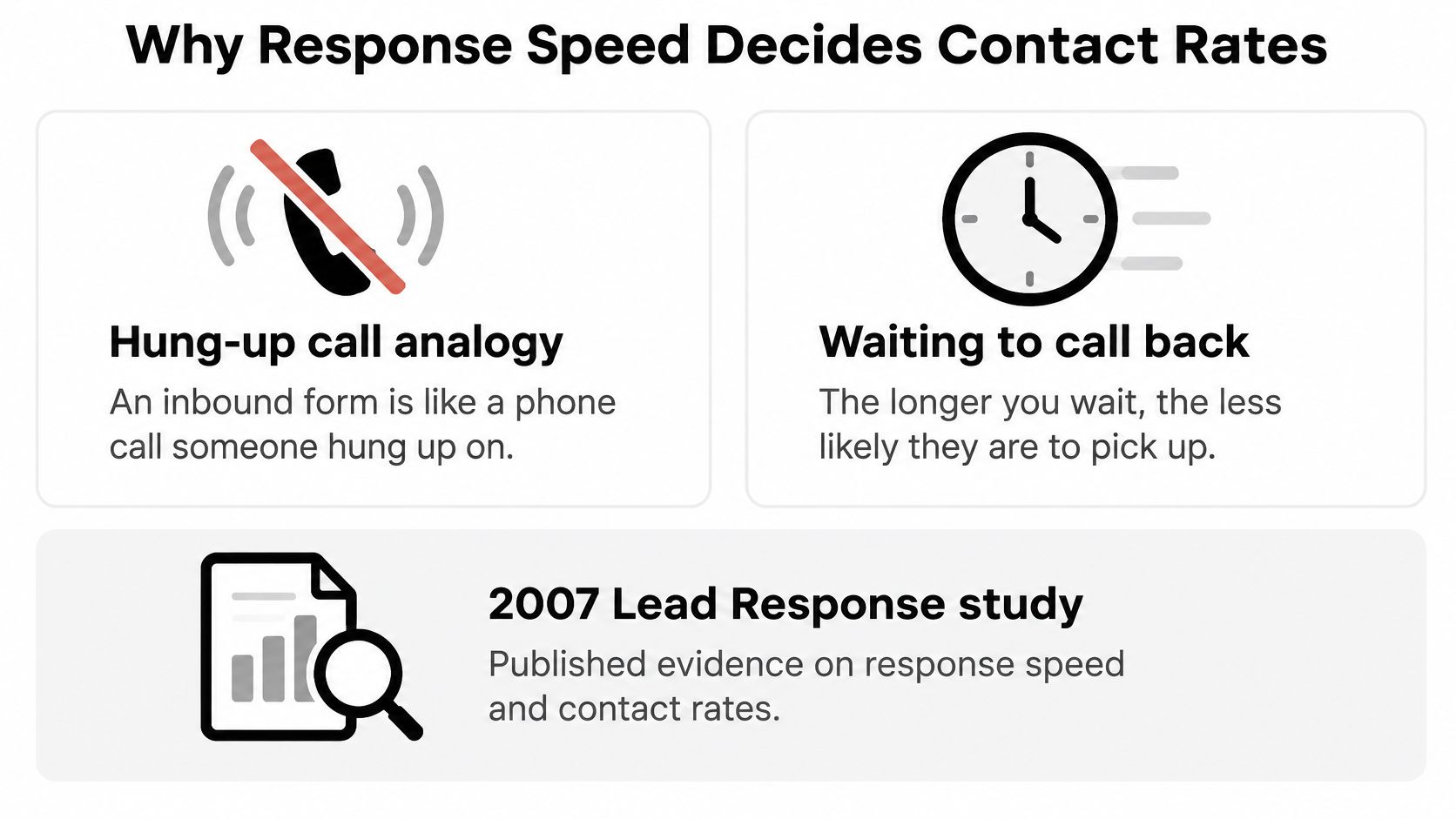
An inbound form is like a phone call someone hung up on. The longer you wait to call back, the less likely they may be to pick up, although the form itself doesn't tell you which channel they prefer.
The response-speed distinction is easier to see visually.
What the response study actually measured
The 2007 Lead Response Management study, covering more than 15,000 web-generated leads and over 100,000 call attempts across six companies, found approximately 100 times higher odds of contact and 21 times higher odds of qualification when calling within five minutes rather than waiting 30 minutes.
Those are odds comparisons, not percentage-point increases, guaranteed contact rates, or revenue multipliers. The study examined contact and qualification, not closed-won revenue. Its historical sample also isn't a forecast for every modern SaaS signup or local-business inquiry.
Scheduling mattered too: the same study reported contact rates 114% better between 4 p.m. and 6 p.m. than in the weakest time block, with 8–9 a.m. and 4–5 p.m. among the strongest qualification periods. The operational lesson was that immediacy outweighed those scheduling effects. Don't hold a fresh inquiry just to reach a supposedly ideal calling window.
Practical rule: Use response-speed evidence to design a reliable handoff, not to promise a revenue lift.
Make the response clock observable
Capture, screening, assignment, and task delivery should run without waiting for an hourly batch. If the system delays the record before a rep sees it, coaching the rep to respond faster won't fix the underlying problem.
Track p50 and p95 submission-to-human-owned-action time, meaning the median and the slow end of your response distribution. Segment both by fit tier and business hours. A healthy median can conceal a neglected after-hours queue or a routing rule that strands particular accounts.
Also distinguish owner assignment from owner action. A routing timestamp proves that a rule ran; it doesn't prove someone reviewed the inquiry.
For a local-service application, GolfRep's guide to turn enquiries into members provides useful context for applying response discipline to membership inquiries. The transferable question is who receives the request and what they do next.
This video offers another way to think about the response workflow.
Choosing the First Touch by Buyer Signal
Choose the first touch using account fit and expressed intent, not fit alone. A suitable company downloading an educational resource hasn't necessarily asked for a sales call.
| Buyer signal | Suggested first touch |
|---|---|
| High-fit demo request | Prompt human response addressing the requested conversation |
| Mid-fit content download | Useful email referring to the resource, with a focused question and self-service option |
| Free-trial signup | Help tied to activation or a stated obstacle |
| Low-fit or signal-light inquiry | Nurture resources and a later human review |
Buyer preferences don't support a call-everyone rule. The Demandbase State of the B2B Buyer Report reports that 74% value authentic, customized engagement combining human touch with transparency and collaboration. That supports relevance, but it doesn't establish that every buyer wants immediate phone outreach.
A pricing-page visit can justify attention without proving personal intent. Consider geography, business hours, previous exchanges, and confidence in the company match before choosing a channel.
Use this guide to buying signals and outreach timing to distinguish a timely reason from a weak inference. Then compare reached and qualified rates by signal and channel, rather than declaring the fastest channel the winner.
How to Move a Lead From Form to First Contact
A good handoff resembles a relay exchange: the receiving person needs both the record and enough context to act. Moving a name into another queue isn't sufficient.
Prepare a record someone can use
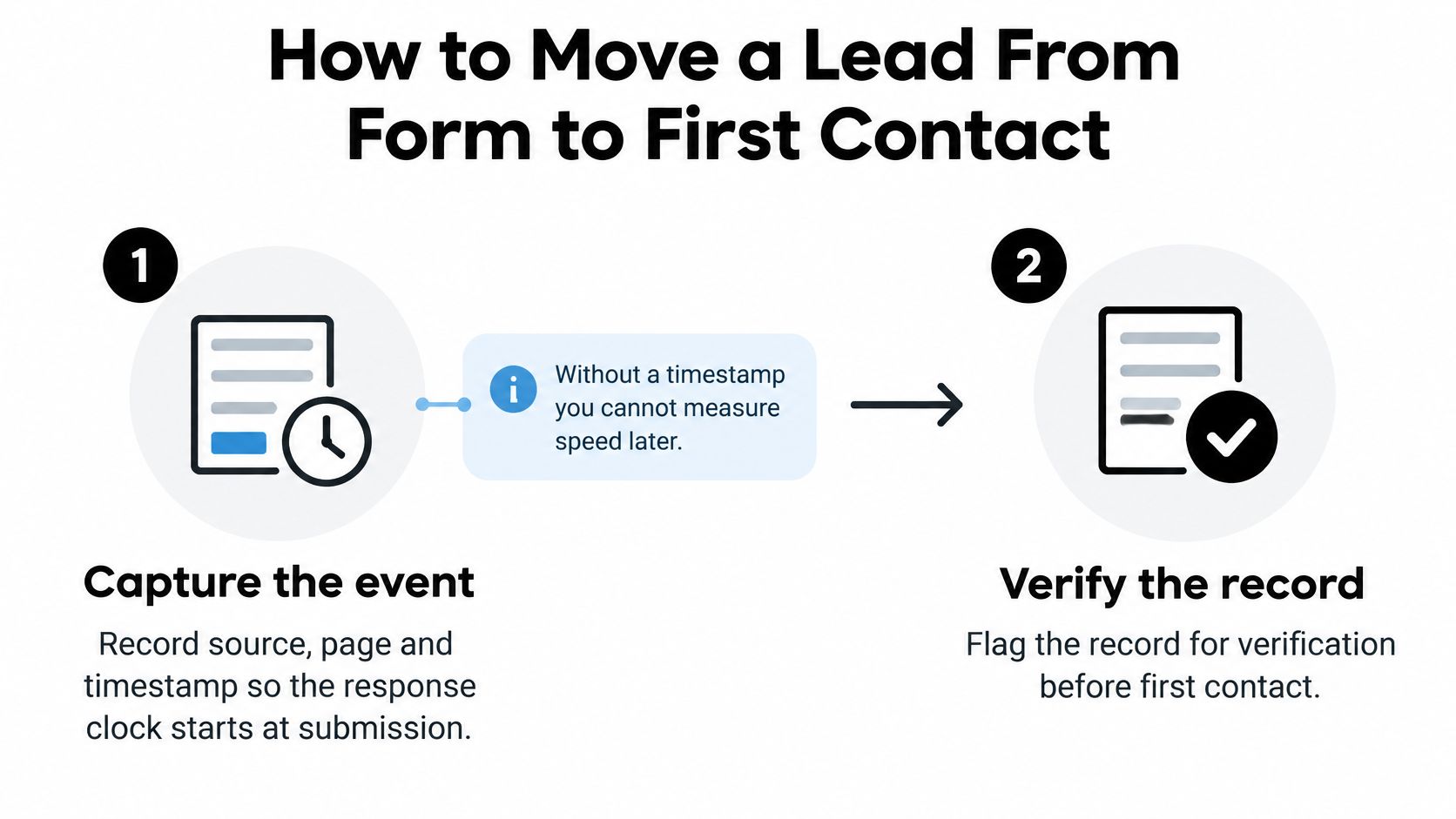
Capture the event. Record the submission source, page, timestamp, and requested action in the CRM. Preserve the original event time through integrations; replacing it with an import timestamp makes your response reporting misleading.
Verify the record. Flag disposable addresses, mismatched company domains, and uncertain identity matches for review. Don't automatically reject a personal email address, since a legitimate buyer may use one, but don't treat it as a confirmed company match either.
Enrich the company. Add relevant firmographics such as size, location, technology, and recent company news, retaining the supporting source. Keep enrichment focused on the decision the owner needs to make rather than delaying assignment for a complete profile.
Score and choose the route. Separate fit from confidence: a company can fit your ideal customer profile while the identity match remains uncertain. Send suitable, credible inquiries to sales, educational inquiries to nurture, and unresolved records to hold with a stated release condition.
The opening actions should preserve the original event and make uncertainty visible.
Transfer responsibility, not just data
Assign a named owner. Put the lead into that person's actionable task list, including the routing reason and supporting context. Use explicit territory, account, and availability rules; this explanation of lead routing software can help translate those decisions into a workflow.
Acknowledge receipt immediately. Run acknowledgment alongside verification and routing, rather than waiting for the preceding steps to finish. Confirm what arrived and what happens next without presenting an automated receipt as a personal reply.
Draft, review, then act. Open with the specific reason for reaching out and answer the request before asking for another commitment. Each of our email, call, and LinkedIn drafts opens with a reason to reach out now and waits in Tasks for review; contact finding is consent-gated and off by default, so an admin must attest to a lawful basis before enabling it.
Log the outcome and next action. Record the channel, attempt time, result, and follow-up date, including when nobody answers. Don't mark the person reached until there's an actual exchange.
A healthy handoff leaves the receiving owner with a clear reason, usable context, and an action they can take without repeating the research.
Handling Leads in Your CRM Without Losing Them
Keep a person record linked to a company record. Deduplicate people by email and account associations by domain before routing; don't merge different employees just because they share a company domain.
The need for ownership deadlines is concrete: Vida's account of Harvard Business Review research describes an analysis of 1.25 million leads at 42 U.S. companies, where attempted contact within an hour was associated with nearly seven times greater likelihood of qualification than waiting an additional hour. Qualification meant a meaningful conversation with a decision-maker, not a won deal.
Give each status an entry rule
- New: Captured, not yet routed.
- Routed: A named owner has been assigned.
- Attempted: An outreach attempt is logged.
- Reached: A human exchange has occurred.
- Qualified: The agreed acceptance criteria are met.
- Disqualified: A rejection reason is recorded.
- Nurture: Relevant, but not ready for active sales work.
- Hold: Awaiting verification or another explicit release condition.
Require source, owner, fit tier, routing reason, and first-touch timestamp once attempted. Use a lead-scoring field and routing template to make those definitions consistent. If your current software can't enforce them, Baikou's guide can help you find the right CRM system.
Make the next step durable
Say a software company requests a demo. Save its source and fit tier, assign an owner, move it to Attempted when the call is logged, and require a follow-up date.
Our reply handling stops follow-ups to that person, syncs to HubSpot, Pipedrive or Attio, and lands in Tasks with the next step ready. Contact results go only into the customer's lists and campaigns; we don't warehouse or resell contact data.
For your CRM checklist, confirm deduplication, defined statuses, required fields, reply-stop behavior, and daily enrichment. Keep unanswered attempts in the history rather than overwriting them with the latest result.
Measuring Contact Instead of Guessing Conversion
The measurement problem starts with the word conversion. A report might mean a connected call, a qualified conversation, a booked meeting, or a signed customer. Those outcomes aren't interchangeable.
The Modern Leads review of response-time evidence highlights inconsistent outcome definitions across published summaries. If a public summary doesn't define its conversion endpoint, don't translate its finding into a meeting or revenue forecast.
Build a funnel scorecard
| Measure | Operational definition | What it helps diagnose |
|---|---|---|
| Time to first human-quality action | Submission to reviewed, relevant outreach | Processing and ownership delays |
| Verified contact rate | Eligible leads reaching an actual human exchange | Contactability and channel choice |
| Qualified-meeting rate | Eligible leads producing a meeting that meets agreed criteria | Fit and conversation quality |
| Opportunity rate | Eligible leads accepted into the opportunity pipeline | Qualification and sales acceptance |
| Revenue | Closed-won value associated with the lead cohort | Downstream commercial outcomes |
Define eligible leads before calculating rates. State whether spam, duplicate submissions, existing customers, and held records are included. Keep that denominator stable, and segment every measure by source and account tier.
Review the scorecard against the underlying records, not just the dashboard.

Ask what caused the difference
The causal question is direct: does faster contact improve outcomes after accounting for lead quality, channel, region, business hours, and buying intent?
A simple comparison may overstate the role of speed if reps immediately select the most promising inquiries. It may understate it if your fastest responses go to difficult support requests incorrectly labeled as sales leads. Compare similar cohorts and retain the routing reason so an analyst can inspect those differences.
Say a team responds promptly to every form but produces few qualified meetings. Segmentation reveals that low-fit signups consume most of the reps' attention, while suitable accounts wait behind them. The fix is prioritization and better routing, not merely more outreach.
Reporting discipline: Keep attempted, reached, and qualified as separate counts, even when leaders ask for a single conversion number.
Track meetings booked separately from meetings held, too. A calendar acceptance proves a commitment, while a completed conversation provides different evidence about progress.
Common Pitfalls and How to Fix Them
An unanswered phone is a visible warning that a contact process may lack a recovery path. In a 2024 analysis reported by BridgeFlow, 40% of companies answered a test call, while 48% neither answered nor called back and were effectively unreachable by phone.
That test concerns companies receiving calls. It doesn't establish how often your prospects will answer outbound calls, or prove an ideal retry cadence. Use it to examine coverage and callbacks, then test your own outreach sequence.
Locate the stalled handoff
| Symptom | Likely Cause | Fix |
|---|---|---|
| Calls rarely connect | Only one dial attempt, with no retry sequence | Set a retry sequence across phone, email and LinkedIn within the first day |
| Prospect hears from two reps | No deduplication before routing | Match records on domain and email before assigning an owner |
| Emails bounce | Catch-all guess treated as verified | Label verified and catch-all addresses separately and send to verified addresses first |
| Good leads go quiet after one touch | No next-step date on the record | Require a follow-up date on every attempted record |
| Hot leads wait for an owner | Everything routed to one shared inbox | Route by fit tier and escalate after 60 minutes |
| Activity rises but meetings do not | Attempts counted as qualification | Track attempted, reached and qualified as separate stages |
Treat the retry sequence as a proposed operating rule, not permission to bombard someone. Space actions sensibly, use channels appropriate to the request, respect opt-outs, and stop pending outreach when a reply arrives.
For duplicate outreach, inspect both record matching and assignment history. A clean database won't prevent duplication if separate workflows can assign different owners to the same person.
For bounces, inspect the verification label rather than assuming every available address is safe to use. We clearly label each contact's work email as either a verified mailbox or a catch-all guess.
Separate quick repairs from structural work
A required follow-up date can be added as a same-day workflow repair. Rebuilding fit scoring needs a longer validation cycle because the team must compare accepted and rejected accounts, inspect false negatives, and revise the criteria.
- Quick operational changes: Add missing next-step fields, assign backup owners, and remove a shared-inbox bottleneck.
- Longer calibration work: Rebuild fit tiers, reconcile account hierarchies, and evaluate whether qualification criteria predict useful opportunities.
For escalation, distinguish the warning deadline from the final safety net. Alert the backup owner before the service deadline expires; use the table's post-deadline escalation as a failsafe rather than your normal response.
Finally, inspect records behind the largest symptom. If missed ownership dominates, don't start by rewriting email copy. Fix the most frequent underlying cause before changing another part of the system.
Confirm Your Contact Process This Week
Set aside a working day to audit a recent month of inbound records. Include unworked leads, not just the records with completed activities, so missing responses remain visible.
Calculate the median capture-to-first-attempt time among attempted leads, then report the unattempted count alongside it. Also calculate the share with a named owner, a stated reason to reach out, and a follow-up date where further action is required.
Choose the repair before the tool
- If timing is the gap: Adopt the first-contact service target and backup-owner deadline, then test alerts with an intentionally unworked record.
- If record quality is the gap: Enforce status entry rules and required fields before revising dashboards.
- If contact quality is the gap: Review identity confidence, email verification labels, and channel suitability before sending.
CapyScout can support this workflow by screening inbound signups for fit, risk, and confidence, suggesting sales, nurture, or hold, and preparing source-backed outreach for review. Our outreach starts from the reason the lead fits, sends email and LinkedIn steps from your own accounts at a human pace, and stops when someone replies.
Before changing any system, agree with sales and marketing on the order of fixes, the person responsible, and the evidence that will confirm each repair worked. That turns an audit into a manageable operating decision rather than another dashboard project.
CapyScout connects signup screening, account context, and source-backed outreach so the receiving owner knows who to contact and why. Visit CapyScout to explore a lead-to-contact workflow that makes routing decisions visible and keeps the first action ready for review.
Not ready to start? Get a free target list: 10 companies to sell to, picked from your website.