

Best Sales Prospecting Tools in 2026: 10 Compared
Compare 10 sales prospecting tools by features, CRM integrations, live signals, and best use cases for B2B and local sales teams in 2026.
Your rep builds an account list on Monday and emails most of it on Tuesday. The contacts match the target titles, but the opener could go to almost anyone. By Friday, you've logged plenty of activity without learning which companies had a reason to talk.
Finding contacts is only half the job. Someone still has to confirm the company fits, identify a relevant change, choose the right person, and get the evidence into the CRM. If those steps happen in browser tabs and private spreadsheets, buying another database won't fix the handoffs.
The useful distinction between sales prospecting tools is what happens after discovery. Some provide contact details and leave execution to your team. Others monitor account changes, support relationship research, or combine enrichment with outbound sequences.
Buy for the work your team can't reliably finish today, not for the largest searchable database.
The tools below are compared on buying moments, CRM workflows, outreach execution, and manual work left behind. A founder sending targeted emails needs a different setup from a revenue operations team coordinating account-based campaigns. Neither should pay for capabilities that nobody owns.
Table of Contents
- 1. CapyScout
- 2. Apollo.io
- 3. LinkedIn Sales Navigator
- 4. Clay
- 5. Lusha
- 6. Cognism
- 7. UpLead
- 8. ZoomInfo
- 9. 6sense Sales Intelligence
- 10. Hunter
- How the 10 sales prospecting tools compare on fit, signals, CRM sync, and pricing model
- Building a Prospecting Stack That Fits How You Sell
1. CapyScout
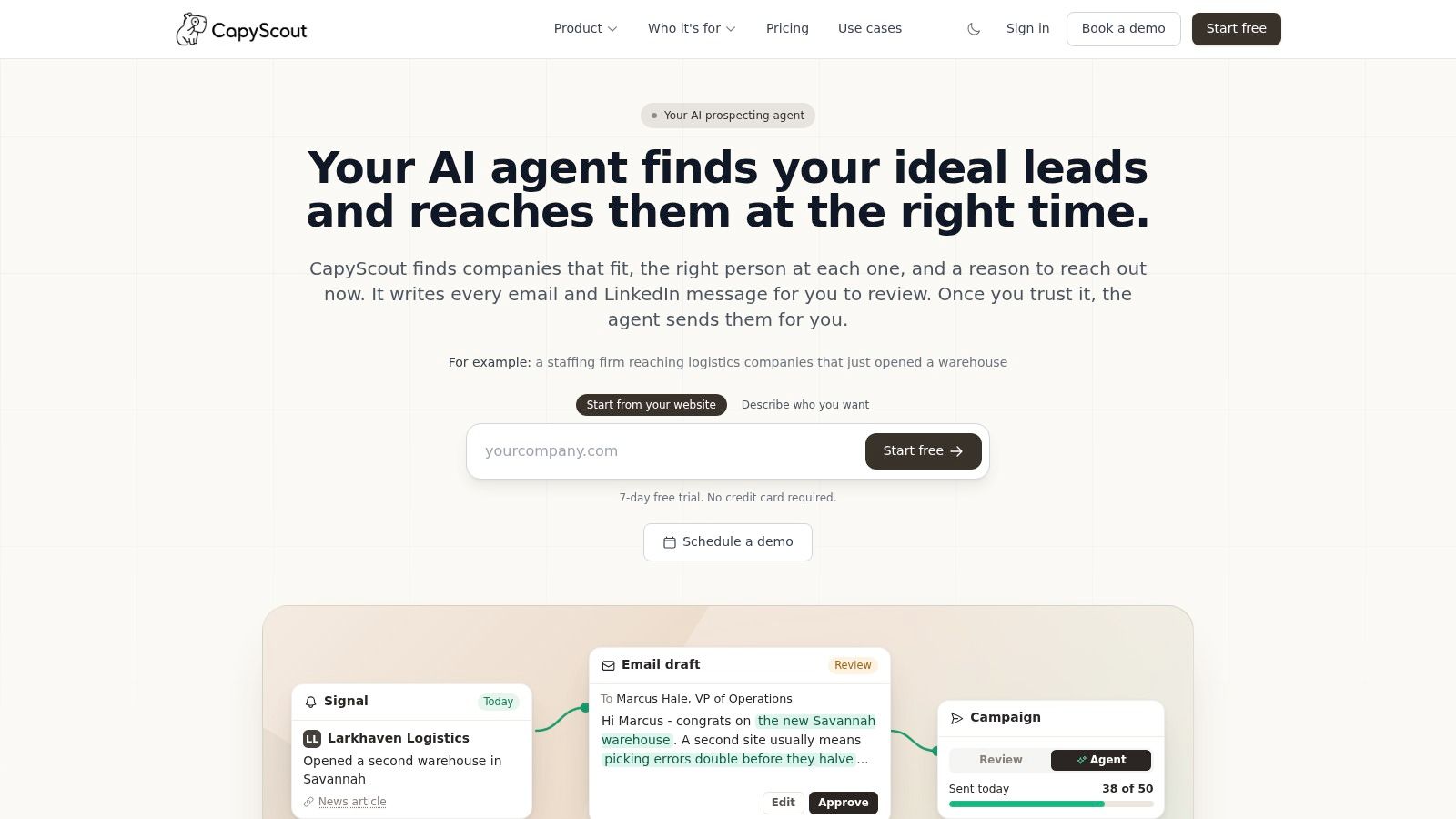
CapyScout fits teams that need account discovery, buying signals, and sending in the same workflow. We search the live web for companies matching your criteria, find the relevant person, verify the email, and draft outreach from the reason the account fits.
The distinction is the evidence attached to each recommendation. Hiring, funding, leadership changes, new locations, reviews, and website activity can provide a reason to investigate an account. Unverifiable details are flagged rather than presented as established facts.
From a signal to a sales action
We watch saved lists or CRM accounts on a schedule and surface who to contact and why now. For a local marketing agency, that might mean a reputation change worth investigating. For a SaaS seller, it might mean a relevant hire or a technology shift.
- CRM execution: HubSpot, Pipedrive, and Attio workflows receive enrichment, fit grades, and reasons to contact an account, with daily refreshes.
- Outreach choice: Review prefilled drafts in your email client without connecting an inbox, or approve campaigns that send email and LinkedIn steps from your own accounts.
- Operational routing: Signup screening can route high-fit leads to sales and risky trials to review through Slack or the CRM. Teams, email, webhooks, an API, and MCP support other workflows.
The trade-off is verification and campaign governance. A real event doesn't automatically imply demand for your offer. Review the business hypothesis and sending limits before letting an agent run a proven campaign; follow-ups stop when someone replies.
Pricing is credit-based, with unlimited seats and no per-seat or per-lead fees. Specific paid-plan prices aren't stated, so evaluate credit consumption against your actual workflow rather than assuming a predictable cost from account volume alone.
2. Apollo.io
Apollo.io is a practical shortlist choice when a small team wants prospect search and email sequences together. Reps can find companies and contacts, enrich records, and start outbound without moving every list into a separate engagement platform.
That bundled workflow is its main advantage. Search filters and intent topics help narrow the audience, while CRM integrations reduce manual transfers. AI research and lead scoring are available on paid tiers, but those features still need a clear qualification model.
Where the bundle helps, and where it doesn't
Apollo makes sense when your current process breaks between finding someone and sending the first message. It's less compelling if your team already has an established engagement platform and only needs additional data coverage.
- What works: A shared prospecting and sequencing environment can simplify ownership for a lean sales team.
- What needs verification: Contact details, current roles, and account fit should be checked against your target market.
- What to watch: Credits and plan limits can change the economics as research, enrichment, and outreach usage expand.
Before enabling CRM writes, decide which fields Apollo may update and which should remain protected. An enrichment process shouldn't replace a rep-confirmed title or account owner without a deliberate rule.
Use our Apollo versus Cognism comparison to separate bundled engagement needs from data-provider needs. The Apollo alternatives for demand generation guide is another useful route if your requirements extend beyond rep-led outbound.
Buy it for a simpler prospect-to-sequence workflow, not as a substitute for account qualification.
3. LinkedIn Sales Navigator
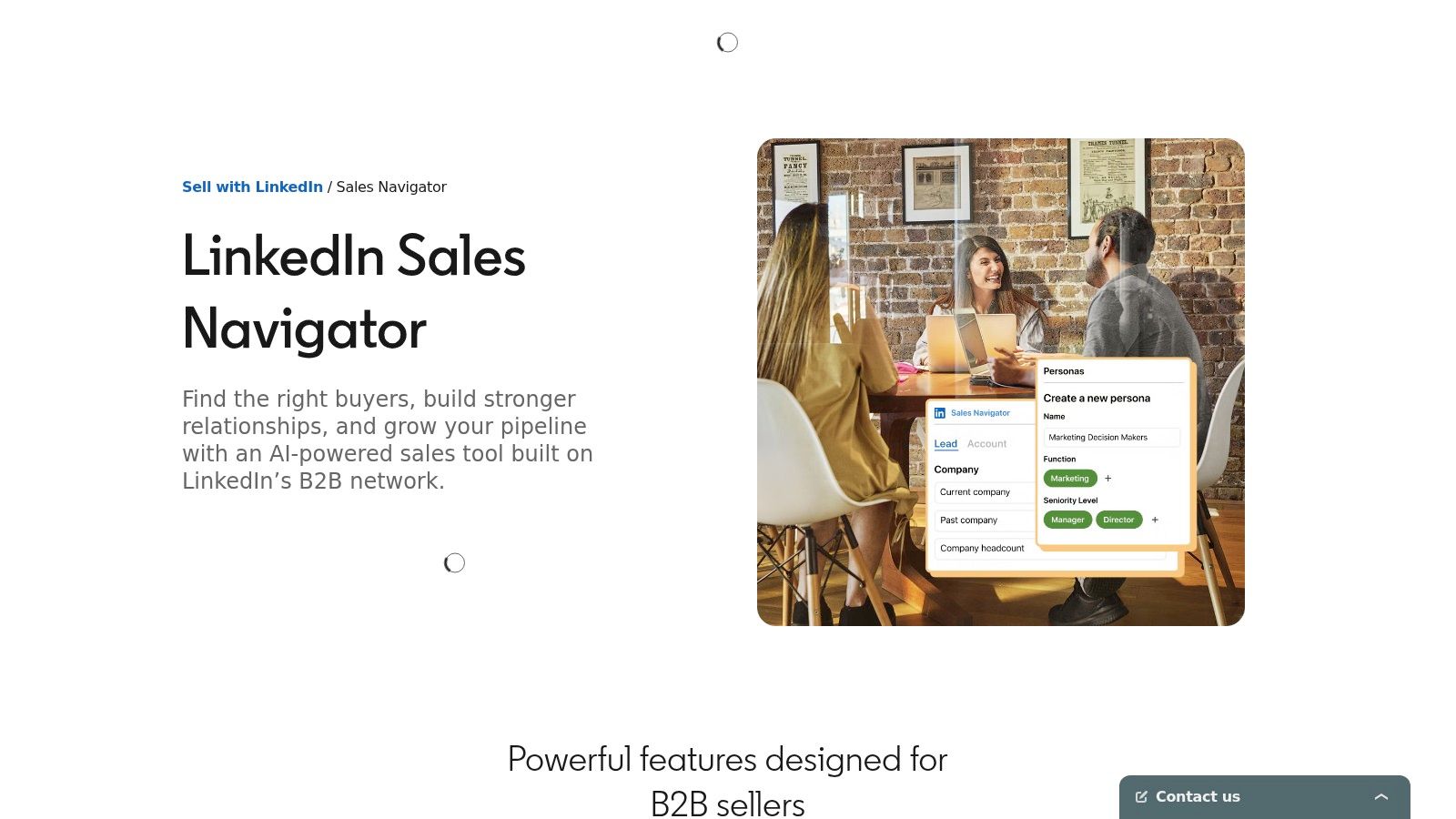
Say your target account has hired a new operations leader. You need to understand their remit, previous employers, and possible connections before deciding how to approach them. LinkedIn Sales Navigator is well suited to that relationship-research job.
Advanced lead and company search supports account mapping, while saved-account and lead alerts help sellers notice professional changes. InMail provides a LinkedIn outreach channel, and higher plans support collaboration and CRM-connected workflows.
A job change is a reason to research someone's priorities. It isn't permission to assume they're replacing their technology.
The limitation is the handoff beyond LinkedIn. Teams may still need separate email discovery, phone data, verification, and sequencing tools. CRM-connected capabilities also depend on the plan, so don't treat every license as equivalent.
Best for relationship-led prospecting
Sales Navigator earns its place when sellers need to map buying committees and find credible paths into named accounts. It's harder to justify as an isolated search subscription if reps copy names into spreadsheets and never use saved lists or alerts.
Profile information also needs judgment. Confirm that the person's current responsibilities match your offer before writing a highly specific message.
Our guide to LinkedIn prospecting tools covers the surrounding workflow. You can also compare Sales Navigator Core plans when deciding whether individual research or team-connected functionality is the priority.
Buy it for account understanding and relationship context, with a separate plan for contact verification and CRM entry.
4. Clay
Clay gives operations teams a workspace for constructing prospecting workflows rather than accepting a fixed database process. You can combine providers, run enrichment waterfalls, and use Claygent for web research.
That flexibility matters when your ideal customer profile requires evidence that standard filters don't capture. Say you sell software to businesses with a particular operating model. You can design research steps to investigate that model before paying to enrich the people inside those accounts.
You own the workflow
The benefit and the burden are closely related. Your team chooses the sources, research prompts, fallback logic, and qualification rules. Your team also has to debug missing results, contradictory information, and expensive enrichment paths.
- Buying moments: Job-change and company signals can inform prioritization, but you must decide which changes matter.
- CRM writes: Sync and webhook capabilities depend on the tier; define field mappings and overwrite rules before deployment.
- Outreach: Execution may require another tool or integration rather than happening entirely inside the research workspace.
The importance of those controls isn't theoretical: a Validity study summarized by Cirrus Insight, covering 602 CRM users and administrators in the United States, United Kingdom, and Australia, found that 76% said less than half of their CRM data was accurate and complete.
Clay's separate action and data-credit measures also require workflow-level budgeting. A successful lookup isn't the whole cost if the route to it involved unnecessary research.
Buy Clay when you have an operations owner who wants control. Don't buy it expecting configuration and maintenance to disappear.
5. Lusha
A rep has already found the right company and a likely buyer. The immediate problem isn't account strategy; it's getting usable contact details without abandoning the research session. That's the clearest role for Lusha.
Its browser extension supports contact lookups while researching LinkedIn or company websites. Contact and company search, bulk enrichment, and CRM enrichment extend that browser-led workflow, while paid plans add buying-intent topics and signals.
The contact reveal is useful, but it isn't the completed sales task. Reps still need to establish why the person should care, confirm account ownership, and place the contact into the right outreach process.
- Best fit: Sellers who research accounts individually and need contact details at the point of work.
- Budget consideration: Email and phone reveals consume credits differently, making the expected channel mix important.
- Operational gap: Full sales execution still needs a defined CRM and engagement workflow.
Test the channel you actually use
If your reps mainly call, evaluate phone coverage on the roles and regions they pursue. An email-heavy test won't tell you whether the product supports a phone-led motion.
Phone remains relevant: HubSpot's sales statistics report that 37% of sales representatives produce the most leads through cold calls. That finding doesn't establish Lusha's data quality, but it explains why phone verification deserves its own evaluation.
Buy Lusha for convenient contact access, then measure whether those reveals become usable sales actions rather than merely completed records.
6. Cognism
Cognism belongs on the shortlist when verified B2B data and international prospecting are central requirements. Its positioning is particularly relevant to teams evaluating European markets and compliance-conscious prospecting.
The platform supports contact and account discovery, list building, and research through firmographic, technographic, and signal-based filters. AI-assisted research and search refinement can help sellers investigate accounts, while enrichment and Data-as-a-Service are distinct options.
Separate discovery from CRM maintenance
A prospecting package and an ongoing enrichment program solve different problems. Reps may need searchable contacts; operations may need controlled updates across existing records. Scope both requirements before comparing a quote.
- What works: Separate prospecting, enrichment, and data-delivery options can support a structured sales operation.
- What remains external: Your engagement process, account qualification rules, and permitted-use decisions still need owners.
- What to test: Reachability and role accuracy in your actual countries, industries, and target seniorities.
Compliance-conscious positioning doesn't remove your responsibility to assess how your team may use the data. Keep your internal review separate from the product demonstration, especially when prospecting across jurisdictions.
Pricing is quote-based rather than a public self-serve amount. That makes a tightly scoped evaluation more useful than a broad feature tour: establish the users, workflows, data access, and CRM requirements you're considering.
Buy Cognism when data quality and market coverage justify a dedicated provider. A small team seeking occasional email addresses may not need that breadth, particularly if it hasn't yet established a repeatable outbound process.
7. UpLead
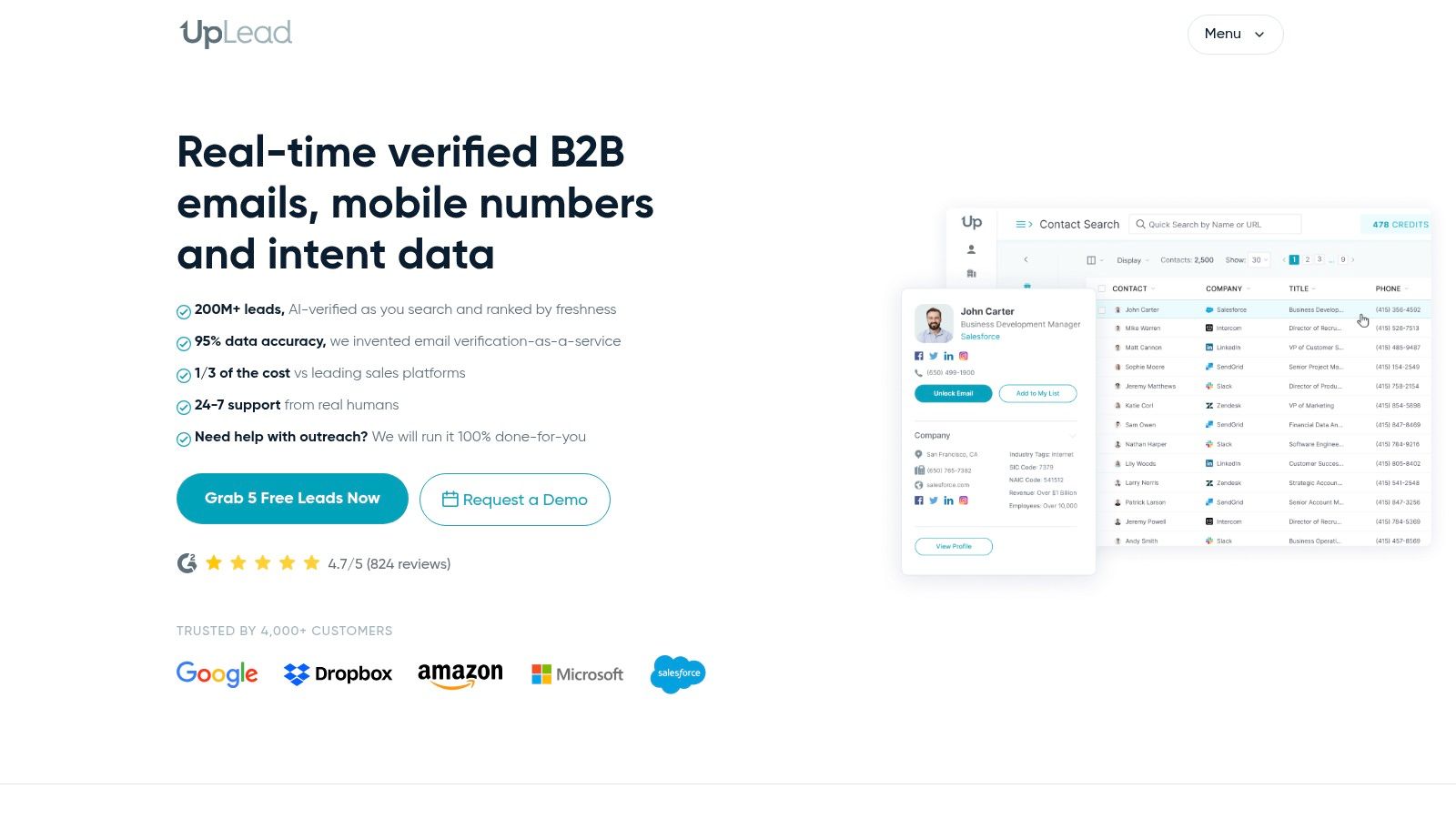
Not every team needs another engagement platform. If you already have account selection, CRM ownership, and sequencing under control, UpLead offers a more focused contact-data proposition.
The platform emphasizes real-time email verification alongside contact search, mobile-number access, and a Chrome extension. Technographics, advanced filters, and enrichment are available depending on the plan, with integrations including HubSpot, Salesforce, and Pipedrive.
The practical appeal is a defined handoff: find a relevant contact, check the address, and move the record into your existing workflow. You're not necessarily replacing the system your reps already use to execute outreach.
Verification boundary: A usable email address doesn't establish that the person owns the problem you solve.
Keep the evaluation narrow
Test whether UpLead fills the specific information gaps that delay your reps. If account discovery is already solved, don't let a broad search demonstration distract from missing emails, current roles, or CRM transfer quality.
- Strength: A focused data source can complement an established sales stack without duplicating every engagement feature.
- Constraint: Credit allowances limit how many contacts your team can access.
- Manual responsibility: Your team still needs to establish buying timing and build the outreach sequence elsewhere.
During a CRM test, inspect the resulting record rather than stopping at the export screen. Confirm that company associations, ownership, source fields, and existing values survive the transfer.
Buy UpLead when verified contact access is the bottleneck. If the harder problem is deciding which accounts deserve attention today, pair it with a deliberate signal-research process.
8. ZoomInfo
A larger revenue team may need sales, marketing, and operations to work from shared account intelligence. ZoomInfo is more relevant to that requirement than to an occasional contact lookup.
Its platform combines B2B contact and company intelligence with account insights, buying-intent signals, and broader go-to-market workflows. The potential value comes from applying that information across teams, not merely giving every rep another search interface.
That breadth also creates purchasing and implementation decisions. Identify which sales products and associated capabilities belong in the proposed package, and distinguish what's included from what requires additional scope.
Make the demonstration follow a real account
Ask the evaluation team to trace an account from discovery through prioritization and into the CRM. Then inspect how a seller would act on the intelligence using your existing engagement tools.
- Account timing: Establish what the intent signal represents and how recently it was observed.
- CRM behavior: Test record matching, duplicate handling, field updates, and ownership.
- Sales execution: Identify where the rep researches, sends, calls, and records the outcome.
Quote-based pricing makes a scoped proposal essential. A broad platform can be appropriate for a coordinated revenue operation, but unnecessary capabilities still require evaluation and administration.
Don't accept general coverage as evidence of coverage in your niche. Test the industries, regions, and account types your sellers pursue, including difficult records rather than only recognizable companies.
Buy ZoomInfo when shared intelligence supports an established operating model. For a lean team with a narrow outbound motion, a focused data provider may leave less software to manage.
9. 6sense Sales Intelligence
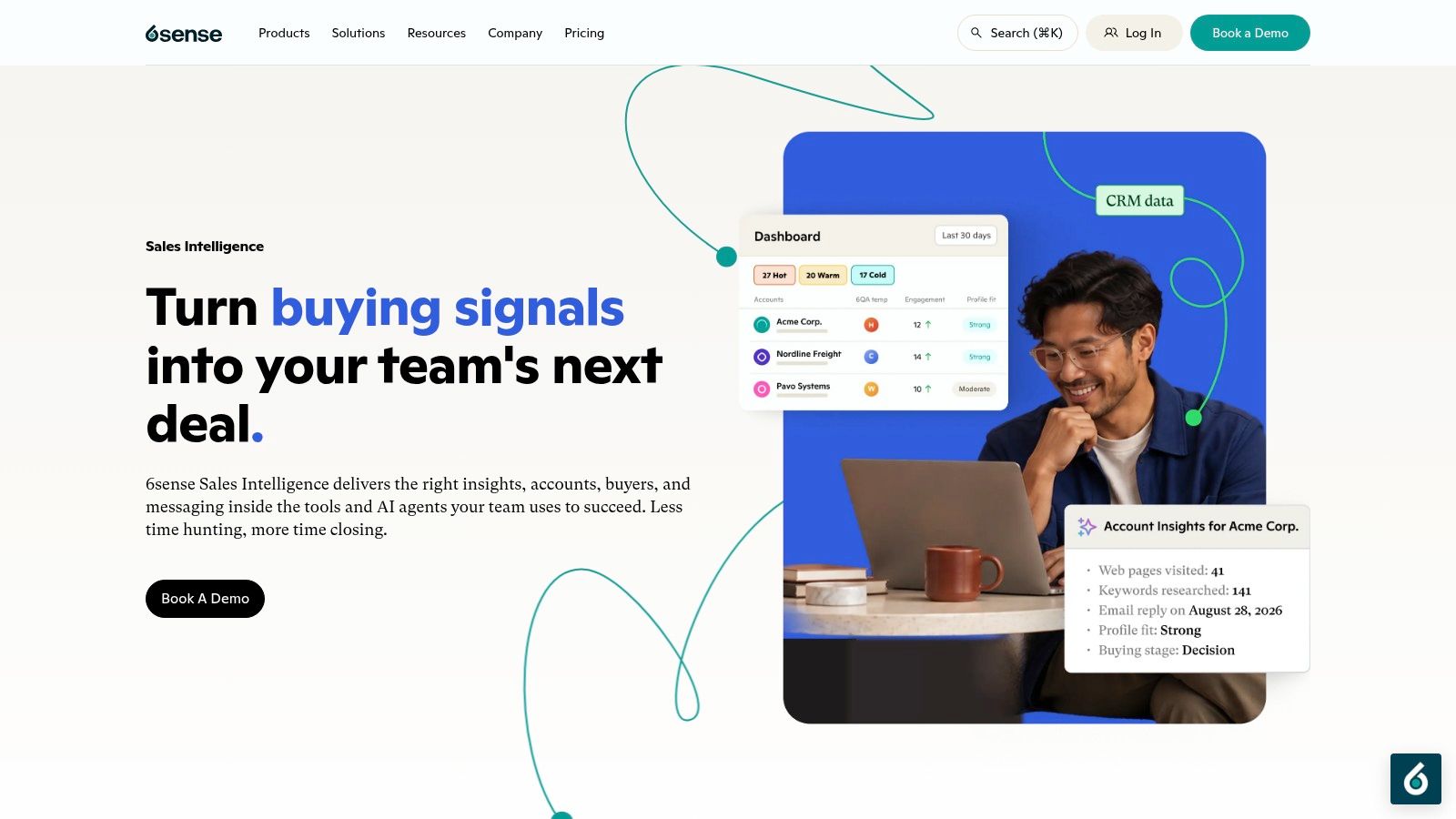
6sense Sales Intelligence starts with account prioritization rather than treating every matching contact as equally worth pursuing. Intent signals, predictive scoring, buying-stage insights, and revenue-potential context support that approach.
This is most useful when sales and marketing already agree on target accounts and need a coordinated way to choose where to focus. Insights can appear within connected CRMs, sales tools, and browsers, while AI-generated research and outreach suggestions support seller preparation.
A score still needs an action rule
An account-level signal doesn't prove that a specific person is evaluating your product. Reps should use it to investigate a plausible business need, not write an opener that claims knowledge of private buying activity.
Define what happens when an account becomes a priority. Does the owner review the buying committee, research recent changes, call an existing contact, or begin a new sequence? Without that rule, the score may become another CRM field nobody uses.
- Strong fit: Coordinated account-based sales and marketing programs with clear ownership.
- Implementation requirement: A usable data foundation and agreed follow-up process.
- Trade-off: More prioritization intelligence won't repair poor contact coverage or unclear messaging by itself.
Pricing isn't presented as a simple self-serve plan, so evaluate the operating requirements alongside the commercial scope. Our 6sense versus ZoomInfo buyer guide helps separate account-prioritization needs from broader intelligence requirements.
Buy 6sense when your team can act consistently on account signals. If reps still struggle to identify a credible buyer, solve that foundational gap alongside the scoring layer.
10. Hunter
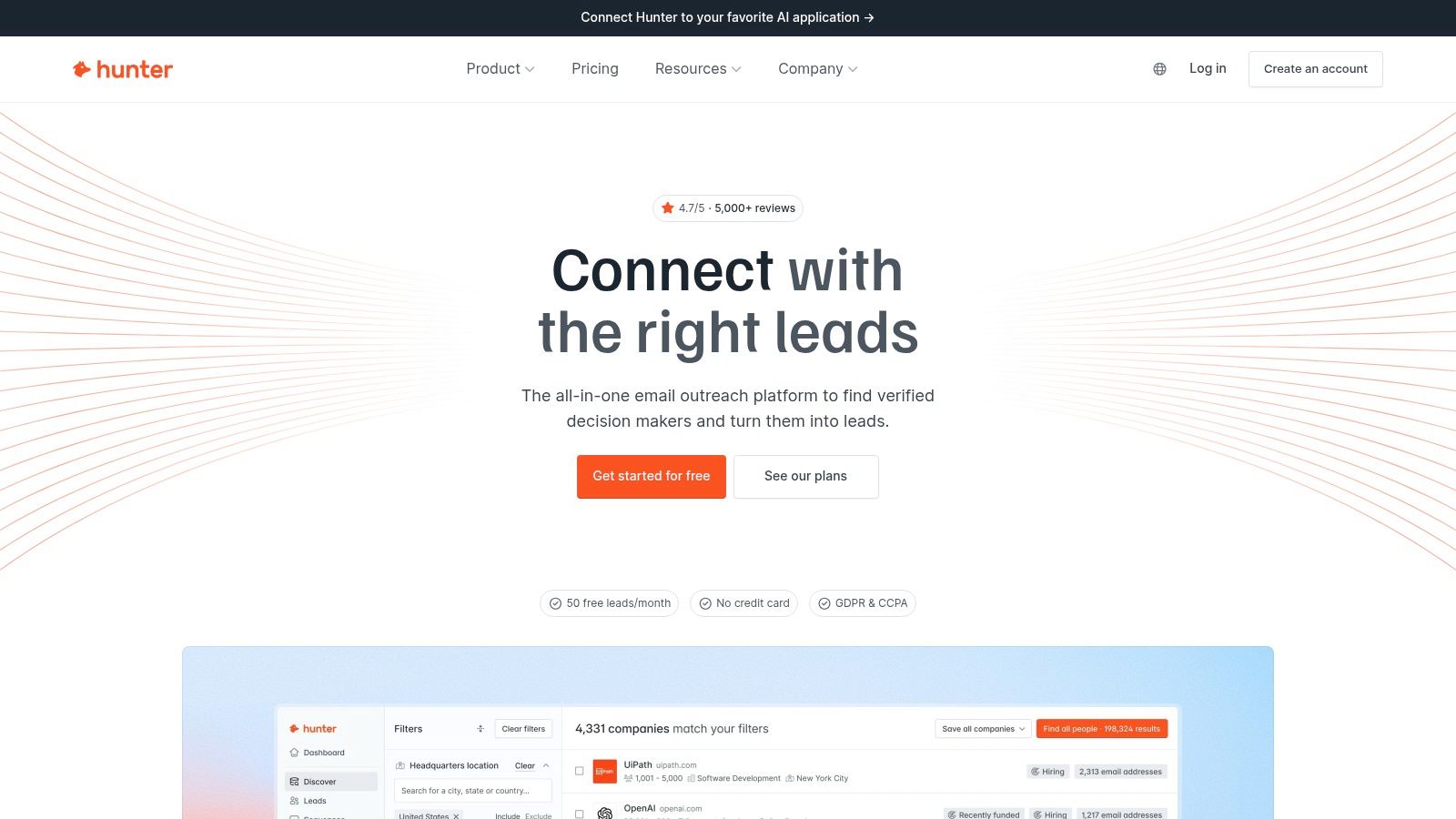
You know the company, you've identified the likely buyer, and you have a relevant reason to write. Hunter is a focused option when the remaining gap is a professional email address.
Domain search, email finding, verification, and bulk processing support that task. A browser extension and API let teams incorporate email research into an existing process rather than rebuilding the entire prospecting stack.
The scope is important. Email verification checks an address; it doesn't establish account fit, buying intent, or the recipient's authority. Those judgments belong upstream.
Use it as a defined workflow component
Hunter is easiest to evaluate when you already know which companies you want to reach. Test whether domain searches and person lookups return useful results, then inspect how verification status reaches the person preparing outreach.
- What works: Focused email discovery and verification can fill a clear gap in an established stack.
- What varies: Coverage depends on the company and domain being searched.
- What remains: Broader account intelligence, phone research, buying-signal monitoring, and coordinated CRM workflows need separate consideration.
Don't treat an address that passes verification as a reason to launch a campaign. Confirm that the recipient still holds the relevant role and that the message follows from a real business hypothesis.
A free plan and paid usage tiers allow different levels of use, but budget against the actual research and verification work your process requires.
Buy Hunter when email information is the missing piece. If your reps can't explain why an account should hear from them now, another email-finding tool won't answer that question.
How the 10 sales prospecting tools compare on fit, signals, CRM sync, and pricing model
Database size tells you how many names a tool holds. It says little about what happens next. The difference that matters in daily work is whether the tool spots a reason to act now, how cleanly it writes that context to the CRM, and where the actual outreach takes place.
CapyScout covers discovery, buying signals, and sending preparation in one tool. It searches the live web for fitting companies, scores inbound signups for fit and risk, enriches HubSpot, Pipedrive, or Attio records with firmographics and why now notes, and monitors watched accounts for hiring, funding, leadership, technology, reviews, and website intent. After the 7-day trial, a Free plan is kept with 5 watched accounts and 250 credits. I recommend it for teams that want signal timing and CRM context without stitching four products together.
The rest of the field splits by job. Use the table to match the bottleneck you feel most: account fit, timing, contact accuracy, or workflow control.
| Item | Best for | Signal monitoring | CRM integration | Pricing model |
|---|---|---|---|---|
| CapyScout | B2B teams seeking prospect discovery, buying signals, and outreach in one platform | Tracks hiring, funding, company changes, reviews, and website activity | HubSpot, Pipedrive, and Attio; CRM enrichment | Credit-based; 7-day trial then Free plan with 5 watched accounts and 250 credits |
| Apollo.io | Small teams combining prospecting, enrichment, and email outreach | Intent topics and lead scoring on paid tiers | CRM integrations available | Free tier and published paid tiers; usage limits apply |
| LinkedIn Sales Navigator | Prospect and relationship research on LinkedIn | Buyer-intent signals and job or company alerts | CRM-connected workflows on higher plans | Per-license plans |
| Clay | Custom prospecting and multi-source enrichment workflows | Job-change and company signals; web-intent tracking on higher tiers | CRM sync on higher tiers | Usage-based actions and data credits |
| Lusha | Finding and enriching B2B contact details | Buying-intent topics and signals on paid plans | CRM enrichment available | Credit-based; email and phone lookups use credits |
| Cognism | Global B2B prospecting, especially for teams seeking verified data | Signal-based filters | Optional CRM enrichment | Quote-based |
| UpLead | Teams seeking verified B2B contact data | Focuses on contact data and verification without native signal monitoring | HubSpot, Salesforce, and Pipedrive | Credit-based; one credit unlocks one contact |
| ZoomInfo | Larger teams needing sales intelligence and account context | Buying-intent signals | Integrations across sales, marketing, and operations workflows | Quote-based |
| 6sense Sales Intelligence | Account-based teams prioritizing in-market accounts | Intent signals, predictive scoring, and buying-stage insights | Delivers insights within connected CRM and sales tools | No simple self-serve plan |
| Hunter | Finding and verifying email addresses for known companies | Focuses on email discovery and verification without signal monitoring | Connects through browser extension and API rather than a named CRM integration | Free plan and paid usage tiers |
Read the pricing column with the handoff in mind. Credit models punish broad list pulls. Per license plans punish large teams with light usage. Quote based products shift cost to implementation and data governance. Pick the model that fits how your reps verify fit, record why now, and start the conversation.
Building a Prospecting Stack That Fits How You Sell
No single tool covers every prospecting job equally well. Start by naming the bottleneck: finding suitable accounts, knowing when to reach out, reaching the right person, or running consistent outreach. Buy the capability that removes that constraint and connects cleanly to your CRM.
For a lean team starting outbound, Apollo's combined search and sequencing may be practical. Sales Navigator fits relationship research and buying-committee mapping. Lusha, Cognism, UpLead, and Hunter address different contact-data needs, while Clay suits teams prepared to build their own enrichment logic.
For broader account intelligence, compare ZoomInfo's scope with your cross-team requirements. Consider 6sense when the main question is account prioritization and your sales and marketing teams can follow a shared action plan.
Test the completed workflow
Run a trial against a real target list before committing. Include your actual industries and regions, existing CRM records, and accounts that require investigation rather than obvious matches.
- Inspect the evidence: Can a rep explain why the account fits and why the signal matters?
- Inspect the CRM: Are records matched correctly, protected fields preserved, and updates traceable?
- Inspect the handoff: Does the seller get an actionable task, or another alert that requires manual research?
- Inspect the cost: Include credits, licenses, integration work, verification, and ongoing maintenance.
Measure accepted accounts, usable contacts, research time, sales actions, and qualified conversations. Database size and generated drafts don't tell you whether the team completed useful work.
AI can support that workflow, but text generation alone isn't a sufficient reason to buy. In Outreach's survey of 500 sales professionals, 54% of sales teams reported using AI to write personalized outbound emails in 2025. The purchasing question is whether the system grounds those messages in accurate account evidence and puts them into a controlled process.
Assign ownership before scaling
Give someone responsibility for source conflicts, duplicate handling, signal relevance, and campaign changes. Decide when uncertain records go to review and when an account should not receive outreach.
The distinction between software and operating capacity also matters. This guide to choosing B2B prospecting software versus an agency provides another perspective on whether your team needs a tool or help executing the process.
Choose the smallest stack that reliably turns evidence into an appropriate sales action. Add another platform only when you can name the gap it will close and the person who will own it.
CapyScout brings live-web account discovery, source-backed buying signals, contact research, CRM enrichment, and approved outreach into the same workflow. Visit CapyScout and test a real target segment to see which accounts fit, what changed, and whether the evidence supports your next message.
Not ready to start? Get a free target list: 10 companies to sell to, picked from your website.